Classification: Avery Dennison – Public 19
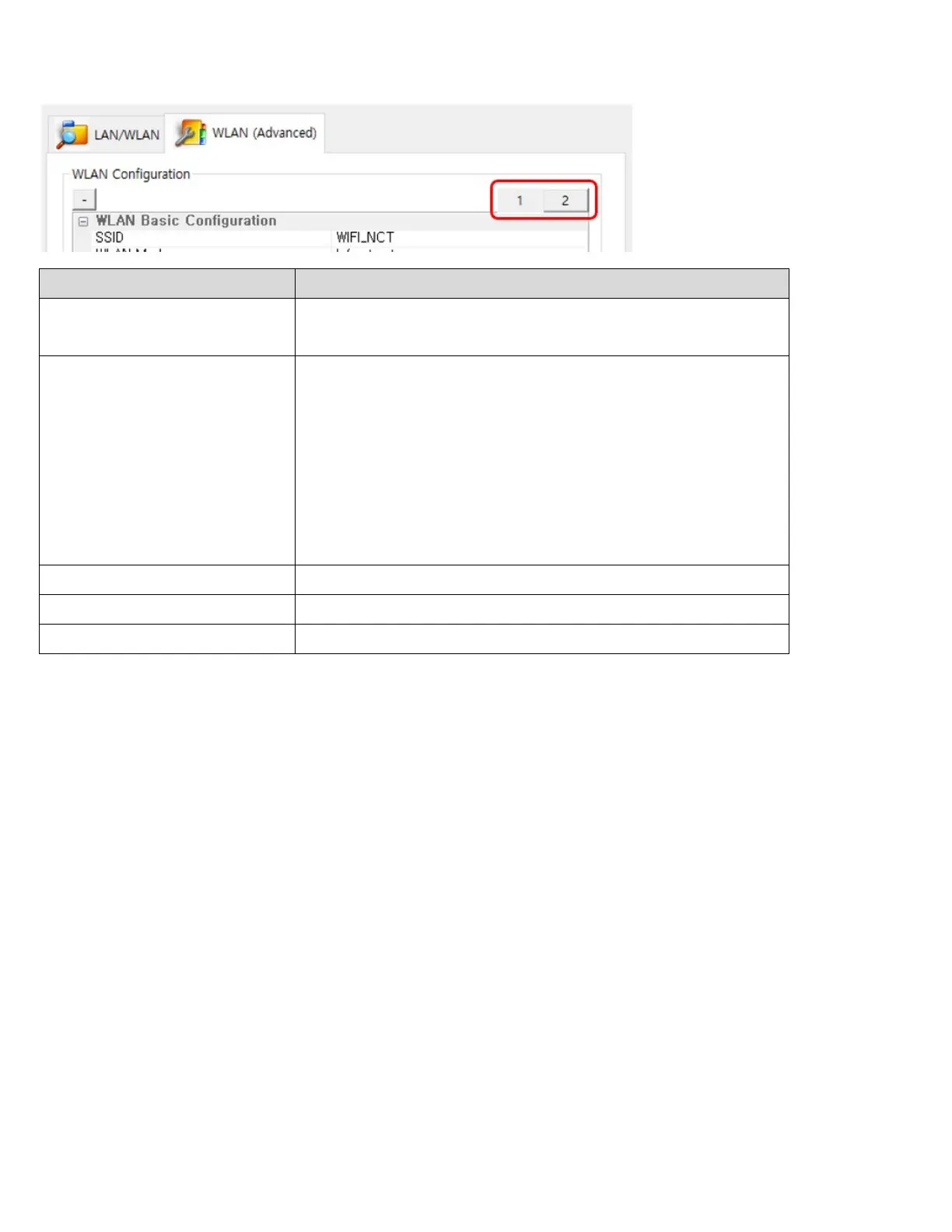
The following WLAN settings can be configured. Tab 1 includes the settings frequently configured while Tab 2
includes the rest of the settings.
SSID (Service Set Identifier)
A unique identifier that is included in all data header sent
via WLAN. A maximum of 32 characters can be entered.
WLAN Mode
Choose one of the following WLAN connection methods:
- Infrastructure
- Ad-Hoc
- Wi-Fi Direct
- Soft AP(Access Point)
※ Certain models do not support Wi-Fi Direct and
Soft AP.
Enter 4 or 8 digit number.













 To Next Page