2-12 Equipment Manual
Setting the Feed Mode in Online Mode
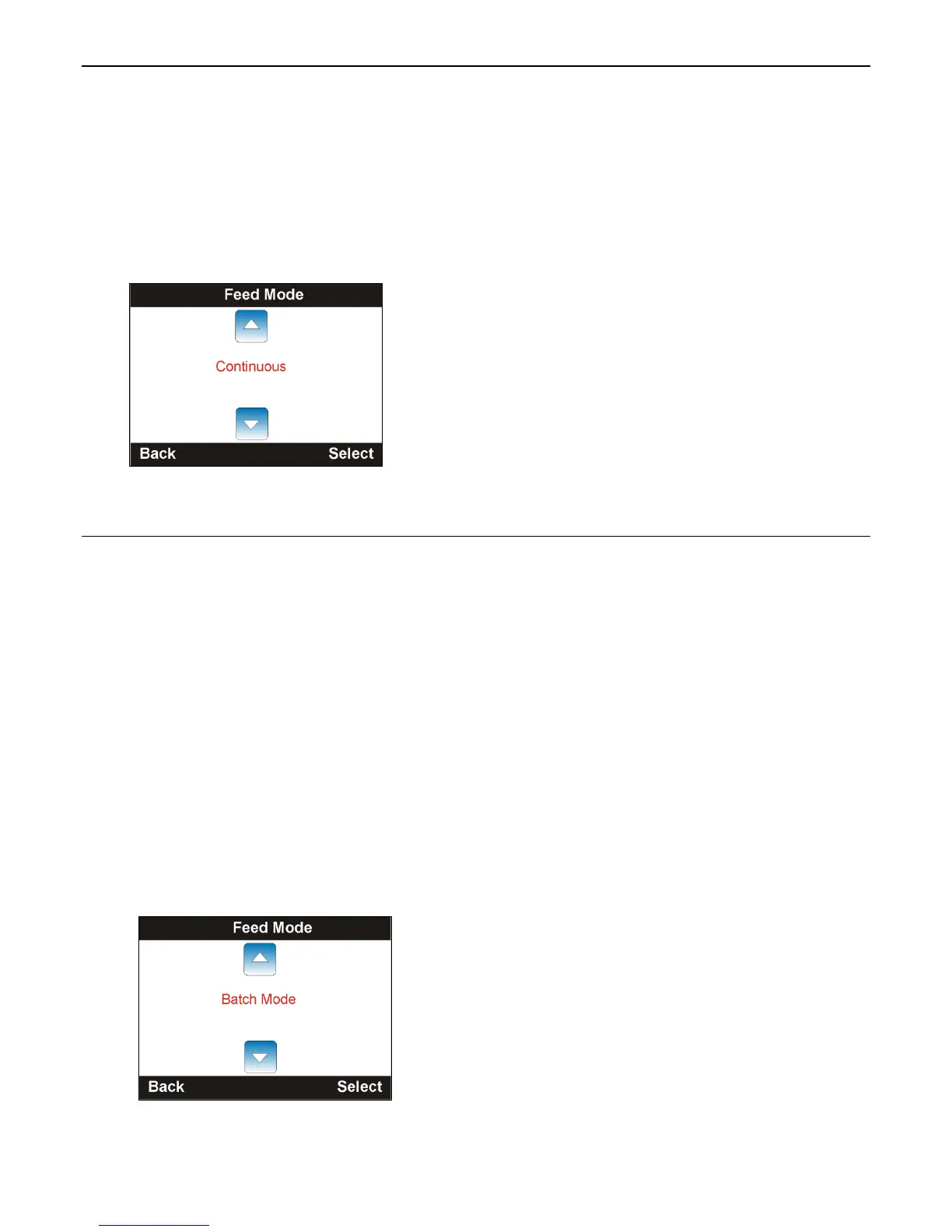
The printer prints in either continuous or on-demand mode. In continuous mode, the
printer prints all the labels in a batch (print job) in one strip. In on-demand mode, the
printer prints one label, once that label is removed, the next label prints.
To select the feed mode:
1. From the Main Menu, select Menu.
2. Press the navigation button until Online Setup is highlighted. Press Select.
3. Press Select when Feed Mode is highlighted. Use the navigation buttons to change
the feed mode. Press Select when finished. The default feed mode is continuous.
4. Press Back until you see the Main Menu.
Setting the Feed Mode in Offline (Stand-alone) Mode
The printer prints in batch mode, none, cutter batch, cutter mode, or peeler mode.
None Tear off each label after printing.
Cutter Batch Cut each label.
Cutter Mode Cut the print job (cuts in strips).
Peeler Mode Enable peel mode.
Batch Mode Tear off the print job after printing (tear off in strips).
To select the feed mode:
1. From the Main Menu, select Menu.
2. Press the navigation button until Offline Setup is highlighted. Press Select.
3. Press Select when Feed Mode is highlighted. Use the navigation buttons to change
the feed mode. Press Select when finished. The default feed mode is batch mode.
4. Press Back until you see the Main Menu.










 To Next Page