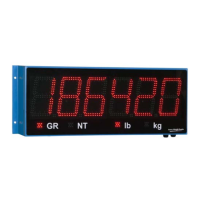
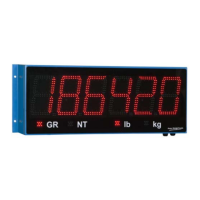
46 XR Series Installation and Technical Instructions
XR Utility Programs
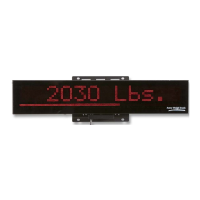
Alphanumeric messaging to the
scoreboard
All XR models can display alphanumeric messages within the limits of a 7
segment digit. When a letter other than L, K, G, or N is detected, it assumes
that the message is alphanumeric. All characters in the data string are then
treated as an alphanumeric message, and not a weight value.
Alphanumeric messages are displayed from left to right.
Sample Command Mode Data Strings
WARNING!:
Do not transmit Control Commands
within a WEIGHT data string.
Control Commands should only be
sent alone (followed by a <CR>), or
within an Alphanumeric data string.
Multi-Drop addressing The XRs using Multi-drop must be in Command Mode. The Multi-drop
address (0 to 3) is set using SW8 and SW9 on the CONFIG dipswitch bank
(See Switches 8 & 9: Multi-Drop ID on page 36).
When using Multi-drop, the XR will only respond after it has been selected.
To select the display, transmit a “#” character (ASCII 35), followed by the
correct ID number and a CR (ASCII 13) character. The XR will remain
selected until it receives a command containing a different address.
Examples:
1. Select multi-drop address 1:
Transmitting “#1<CR>” selects the display with ID #1.
2. Select multi-drop address 3, then send a weight of 1000lb gross:
“#3<CR>”
“1000LG<CR>
The ID number may be embedded with the weight string:
“#3 1000LG<CR>
3. Send 3 different weights to 3 different scoreboards:
“#0 2000LG<CR>#1 3000LG<CR>#2 5000LG<CR>“
4. Send the text “hello” to scoreboard address 3.
“#3 HELLO<CR>
DATA STRING DISPLAY
0 <CR> “0” gross
1000 <CR> “1000” gross
LN 1234 <CR> “1234” lb net
1234 GK <CR> “1234” kg gross
1234 L g <CR> “1234” lb gross
hello<CR> “hELLo”
*<CR> GREEN light
stop &<CR> “StoP ”, RED light


 To Next Page
 Loading...