EasyManua.ls Logo

AVGO NP8KX - User Manual

AVGO NP8KX
30 pages
Print Icon
To Next Page IconTo Next Page
Loading...
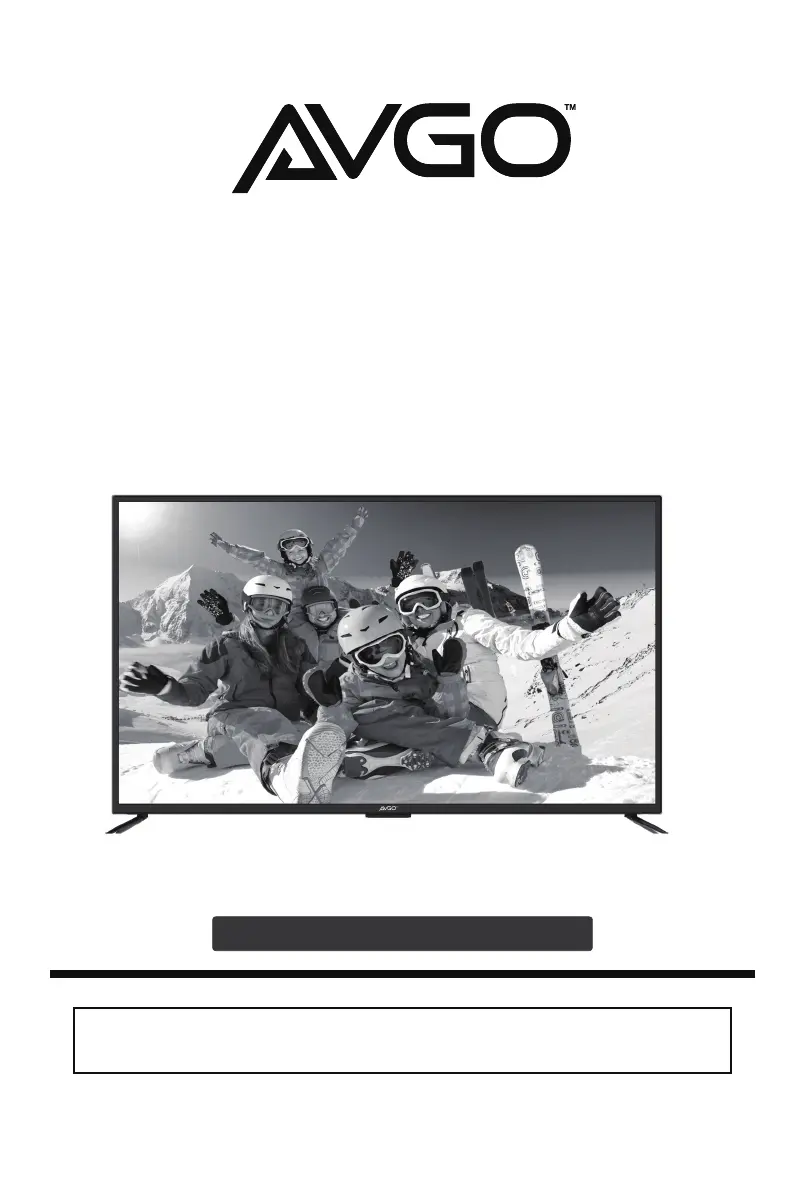
INSTRUCTION MANUAL
Please read all the instructions carefully before using this TV,
and keep the manual for future reference.
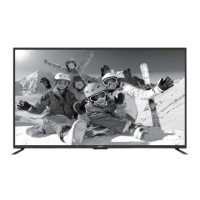
AVGO 43" UHD 4K LED Smart TV
MODEL NO. : NP8KX

Questions and Answers

  • B
    Bruce CochranSep 8, 2025
    How to fix horizontal bar on AVGO NP8KX LED TV?
    • E
      Elizabeth ThompsonSep 8, 2025
      If your AVGO LED TV has horizontal or vertical bars, or the picture is shaking, check for local interference from electrical appliances or power tools.
  • C
    Carlos Butler MDSep 7, 2025
    Why my AVGO LED TV cannot be switched on?
    • M
      Marissa CortezSep 7, 2025
      If your AVGO LED TV cannot be switched on, check that it is properly connected to the power supply. Also, ensure that all connected AV devices are switched off before attempting to switch on the TV.
  • D
    David ElliottAug 22, 2025
    Why does my AVGO LED TV power off suddenly?
    • M
      matthew73Aug 22, 2025
      If your AVGO LED TV suddenly turns off, there might be a few reasons. First, ensure the TV's power cord is securely connected. Second, the sleep timer could be activated, so check those settings. Finally, verify whether the Auto Standby feature is enabled.
  • J
    Jennifer GarciaSep 4, 2025
    How to eliminate audio noise on AVGO NP8KX?
    • A
      April LewisSep 4, 2025
      If you are experiencing audio noise on your AVGO LED TV, keep the RF coaxial cable away from the other connected cables.
  • T
    Tamara WagnerSep 3, 2025
    How to adjust picture ratio on AVGO NP8KX LED TV?
    • E
      Edwin WalterSep 3, 2025
      If your AVGO LED TV displays pictures in the wrong ratio, adjust the Aspect Ratio settings in the SETUP menu or press the ASPECT button on the remote control.
  • B
    bergerdanielSep 2, 2025
    How to fix no or poor color on AVGO NP8KX?
    • J
      Jake BowersSep 2, 2025
      If your AVGO LED TV shows no or poor color, or a poor picture, try adjusting the settings in the Picture menu. You can also try another channel to rule out issues with the broadcaster. Also, check if video cables are connected properly.
  • M
    Michael RobersonAug 31, 2025
    How to remove lines or streaks in pictures on AVGO NP8KX?
    • P
      Patrick WallerAug 31, 2025
      If your AVGO LED TV displays lines or streaks in the pictures, try adjusting or repositioning the antenna.
  • J
    Jessica CampbellAug 30, 2025
    Why does picture appear slowly on my AVGO NP8KX LED TV?
    • D
      David RamseyAug 30, 2025
      If the picture on your AVGO LED TV appears slowly after switching it on, this is normal; the image is muted during the TV's startup. If the picture hasn't appeared after 5 minutes, please contact your service center.
  • B
    Brian GrayAug 28, 2025
    How to improve poor reception on AVGO LED TV channels?
    • B
      brownsabrinaAug 29, 2025
      If your AVGO LED TV is showing poor reception on some channels, the station or cable channel may be experiencing problems, so try tuning to another station. Also, station signal may be weak, reposition the antenna for better reception. Check for sources of possible interference.
  • K
    Kelly DunlapAug 27, 2025
    Why is there no sound on my AVGO NP8KX but picture is OK?
    • J
      Joseph GuzmanAug 27, 2025
      If your AVGO LED TV has picture but no sound, first, try pressing the VOL + or - buttons to increase the volume. Next, check if the sound is muted by pressing the MUTE button. If neither works, try switching to another channel to rule out a broadcaster issue.

Summary

Important Safety Instructions

Safety Information

Preparation and Setup

Customizing TV Settings

Initial Setup Wizard

Walkthrough for first-time TV setup, including language, network, and channel scanning.

Accessing Streaming Apps

How to navigate and use popular streaming applications on the TV.

USB Media Playback

Instructions for playing photos and M-JPEG files from a connected USB drive.

Photo Viewing Guide

Detailed steps for selecting and viewing picture files from USB storage.

M-JPEG Video Playback

Guide on how to play M-JPEG format video files from a USB device.

General Settings Configuration

Options for menu language, transparency, zoom, and closed captions.

Parental Control

Troubleshooting Guide

AVGO NP8KX Specifications

General IconGeneral
BrandAVGO
ModelNP8KX
CategoryLED TV
LanguageEnglish

Related product manuals