Pro Tools | HD I/O Guide44
Switching Jumpers on the
Analog Output Card
Each Analog Output card for HD I/O provides a
jumper for each of the eight channels of output on
the card to switch between a Hi and Lo output set-
ting. The default setting for each jumper is Hi. This
is what you want for working with professional
gear that operates at +4 dBu levels.
However, if you are working with –10 dBV gear,
you can switch the jumper on Analog Output card
(on a channel-by-channel basis) from the default
Hi position to Lo for a –6 dB pad. You can then ad-
just the Trim pot for the corresponding output
channels by an additional –4 dB to accommodate
–10 dBV gear.
To switch the jumpers for output channels on an
Output card:
1
Remove the Output card from the HD I/O chas-
sis (as described in Chapter 5, “Adding or Re-
moving I/O Cards”).
2
Place the card on a stable, static free surface.
3
Using tweezers or a pair of needle nose pliers,
gently remove the jumper for each output chan-
nel that you want to modify.
4
Gently, but firmly, replace the jumper in the
position that you want for Hi or Lo output:
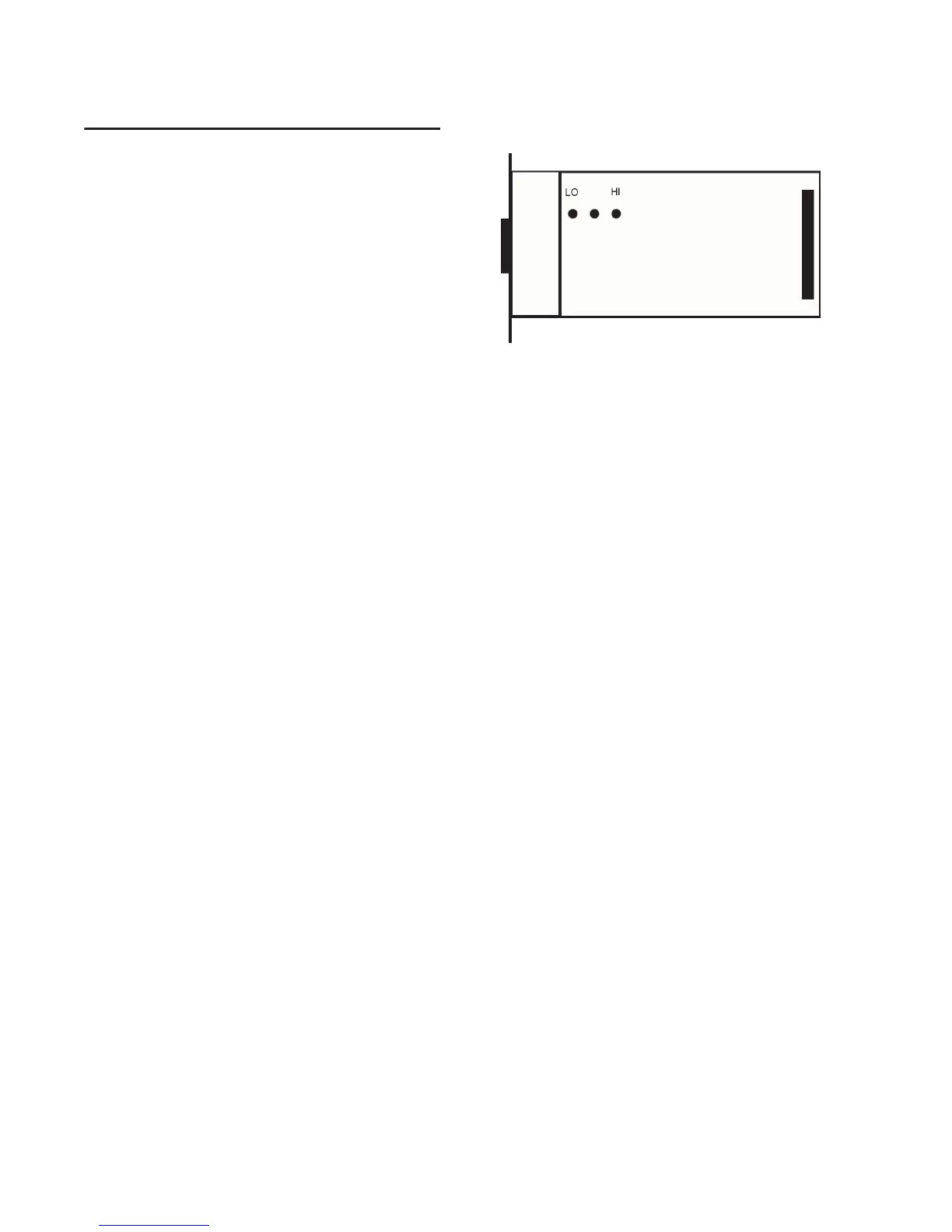
• Place the jumper so that it connects the mid-
dle pin and the back pin (furthest from the
DB-25 connector) for the Hi setting (this is
the factory default setting).
• Place the jumper so that it connects the mid-
dle pin and the front pin (closest to the DB-25
connector) for the Lo setting (–6 dB pad).
5
Replace the Output card in the HD I/O chassis
(as described in Chapter 5, “Adding or Remov-
ing I/O Cards”).
Pin orientation on Output card



 To Next Page