Chapter 2: Pro Tools | HD I/O Overview 5
Chapter 2: Pro Tools | HD I/O Overview
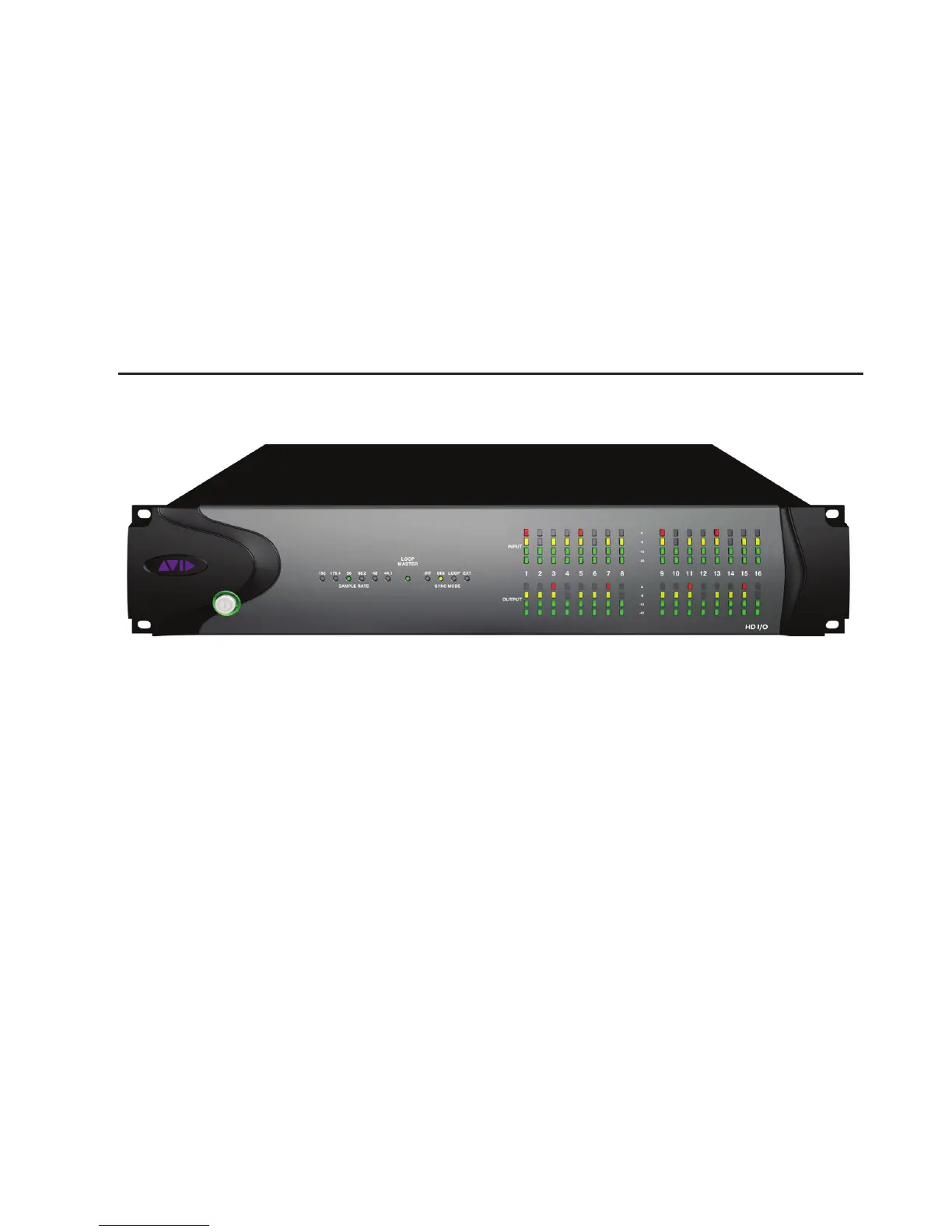
This chapter describes the front and back panel features of the Pro Tools | HD I/O.
Pro Tools | HD I/O Front Panel
Power Switch and LED Ring
This button turns HD I/O on and off. The LED ring
around the power button will light green or orange
to indicate the system status:
Green LED Ring
Indicates that the unit has pow-
ered up successfully and is connected to an active
system.
Orange LED Ring
Indicates that the unit has
power, but the computer it is connected to is shut
down.
Sample Rate
These LEDs display the current sample rate of the
HD I/O internal clock: 44.1 kHz, 48 kHz,
88.2 kHz, 96 kHz, 176.4 kHz, or 192 kHz. The
sample rate can be set in Pro Tools when you cre-
ate a new session, or in the Hardware Setup or
Playback Engine dialogs if no session is open.
HD I/O Front Panel



 To Next Page