EN35EN 34
1 - WARNINGS
A automatic gate opening mechanism is a product
that can cause injury to people and animals and
damage to property. Our motorised gate as well
as its installation and user guides were designed to
remove all hazardous situations.
Avidsen cannot be held liable for any installation or
use that does not comply with the instructions and
causes damage. It is essential to read the instructions
carefully before using your motorised gate and to
keep these instructions for any later use.
General Safety Obligations
• This device may be used by children 8 years of age
or older and by persons with reduced physical,
sensory or mental abilities or a lack of experience
or knowledge, if they are properly supervised or
if instructions on the safe use of the device have
been provided to them and the possible hazards
have been understood. Children must not play
with the device. Cleaning and maintenance by
the user should not be performed by unattended
children.
• All potential users must be instructed in the use
of the motorised gate by reading this user guide.
• No untrained person (child) must set the gate in
motion using the fixed (key selector) or portable
(remote control) devices.
• Prevent children from playing near or with the
motorised gate.
• Do not deliberately stop the moving gate, except of
course with a control device or for an emergency
stop.
• Prevent any natural obstacles (branches, stones,
high grass, etc.) from hindering the gate’s
movement.
• Do not manually operate the gate when the motors
are not disassembled.
• Before setting the gate into motion, ensure that
there is no person in the area in which the gate
moves (children, vehicles, etc.).
• In the event of a malfunction, disassemble the
motors to allow passage and contact your installer.
Do not attempt to fix the product yourself.
• Do not alter or add components to the system
without discussing it with the installer.
2 - OPENING/CLOSING
The gate can be controlled from a programmed
remote control, a programmed wireless code keypad
or a wired control device.
3 - TYPE OF COMMAND
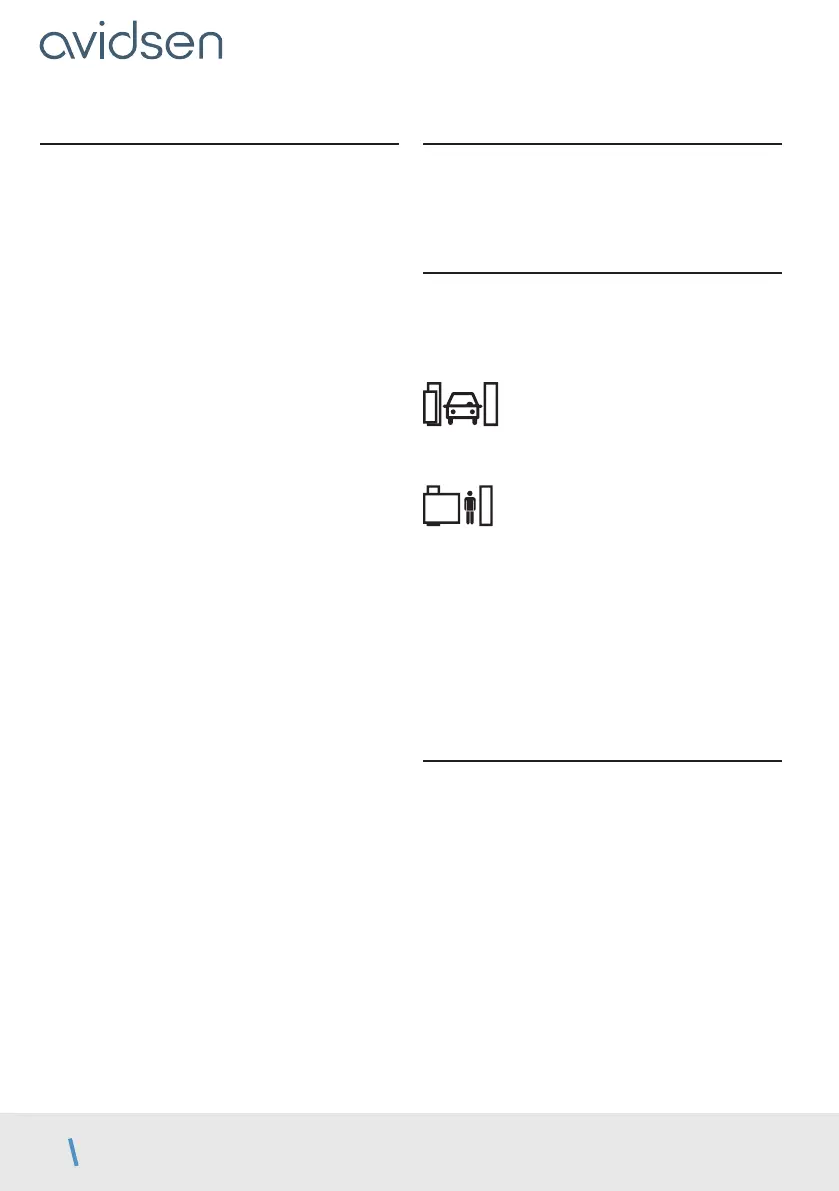
There are two types of command to manoeuvre the
gate:
• Gate control
• Pedestrian control
• The gate control controls the opening, stopping
and closing of both panels.
• The pedestrian control is used to control the
opening, stopping and closing of the panel driven
by motor M1.
• The pedestrian control can also be used to stop
the two panels.
• The pedestrian control cannot be used to close M1
if M2 is not fully closed.
4 - OPERATING MODES
The operating mode is set by following the
instructions in the “OPERATING MODE” section.
E - USE



 To Next Page