Provisioning
Provisioning the Avigilon SDC means registering it in the Alta Control Center and getting it up and running with
the latest firmware. You will need to re-provision in the case of a hard reset, see Resetting SDCs on page22.
Note: If you're provisioning SDCs for a customer account, the customer org needs to be created first.
Prerequisites
l
Meet all Network requirements on page8.
l
Connect the SDC to the internet via Ethernet.
l
Install the Open Admin app.
o
iOS App Store
o
Google Play™ Store
l
If using a laptop instead of the app, the laptop must be on the same network as the SDC. If you have a
VLAN, make sure the laptop is on the same VLAN as the SDC.
l
If using a laptop running Microsoft™ Windows or Linux®, you must download the iTunes app. The
provisioning process uses Bonjour software that comes with iTunes. Optionally, you can download
iTunes and use an archive utility to extract and install only the Bonjour MSI.
Status LEDs
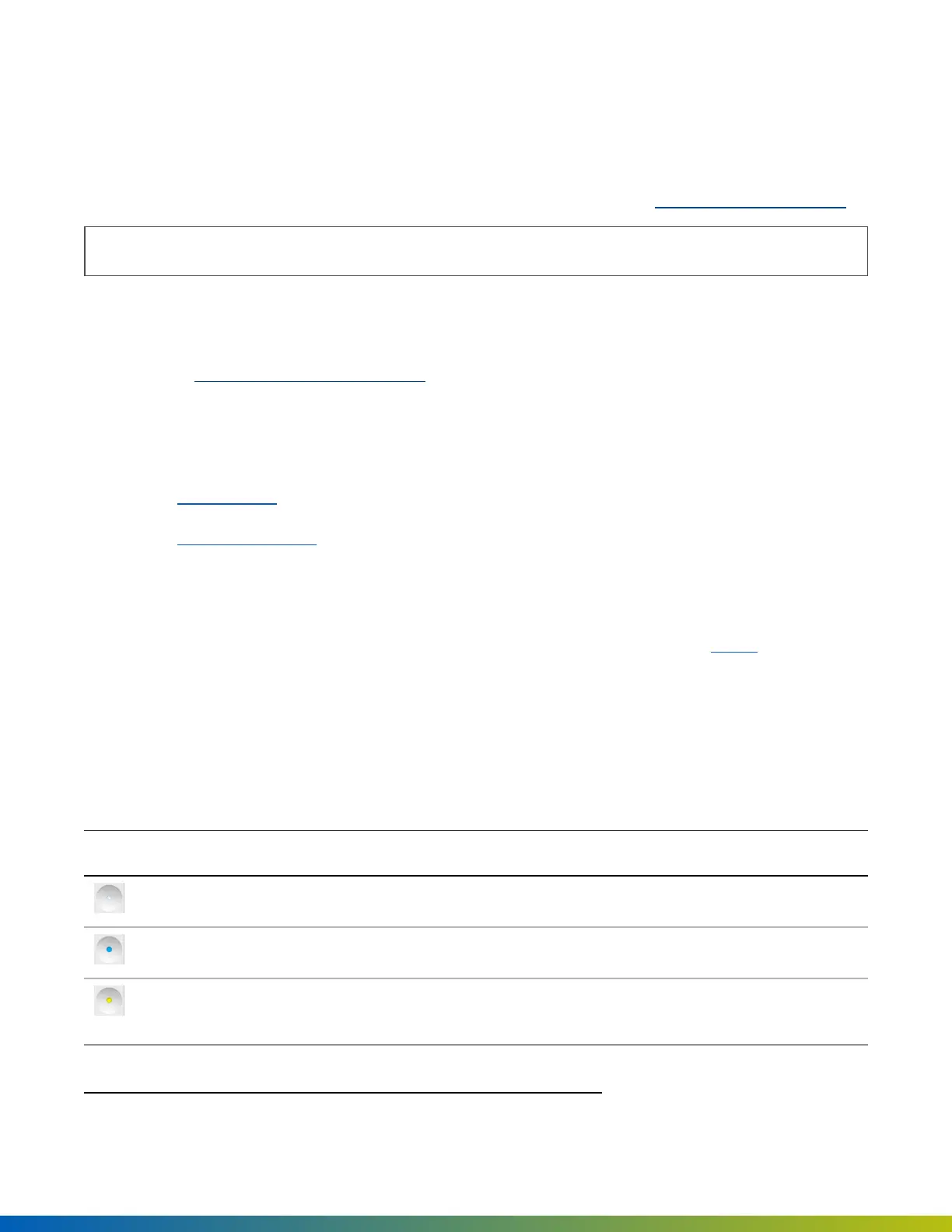
The Status LED on the Avigilon SDC indicates the following.
Status LED Description
Solid white The SDC is provisioned and functioning normally.
Solid cyan The SDC is booting.
Solid yellow The SDC is restoring software. Appears when you turn on the SDC for the
first time.
Linux® is the registered trademark of Linus Torvalds in the U.S. and other countries.
Provisioning 15


 To Next Page