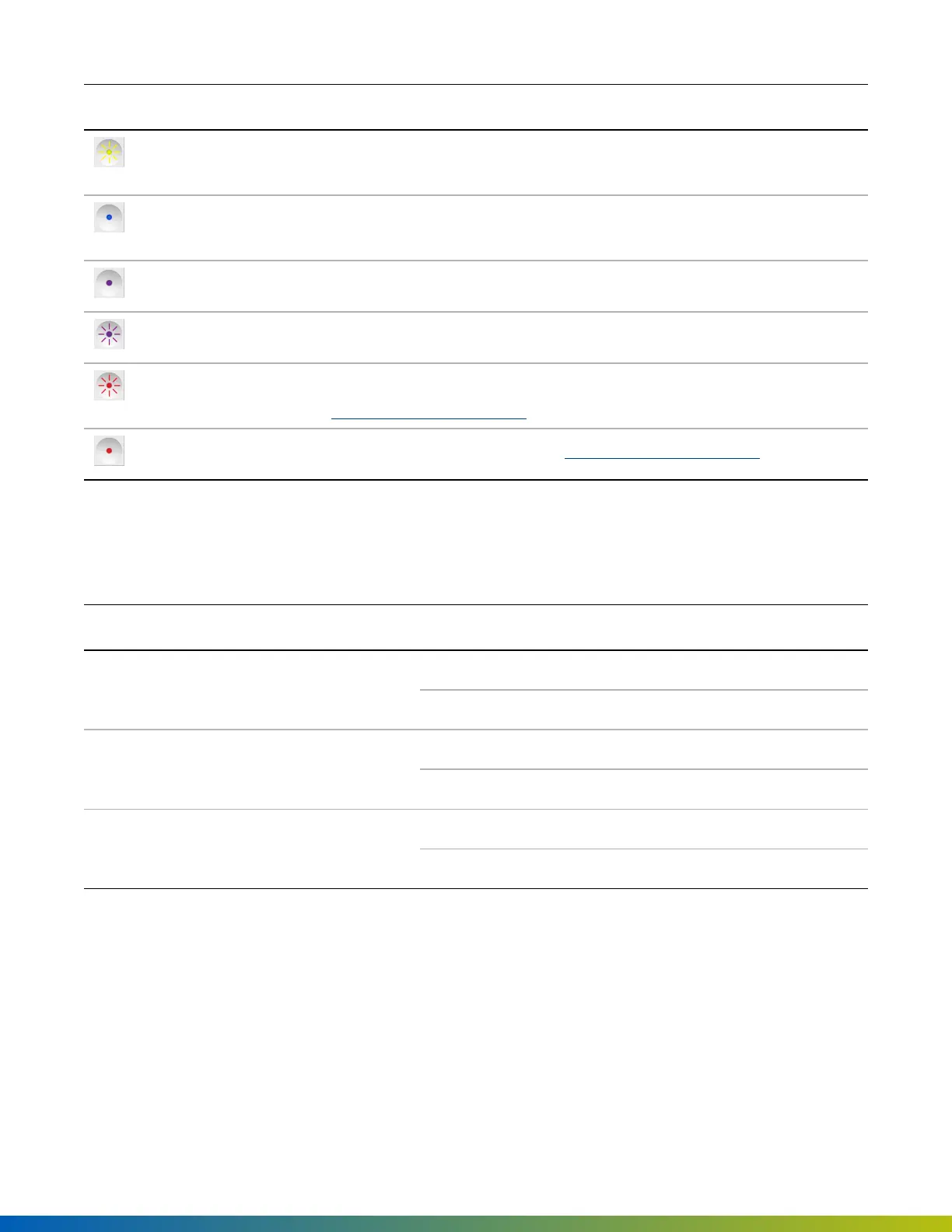
Status LED Description
Blinking yellow The SDC is updating software. Appears when the SDC has been online for
less than 24 hours.
Solid blue Unprovisioned state. The SDC has finished booting and is ready for
provisioning.
Solid purple The SDC is connected to the Open Admin app.
Blinking purple The SDC is ready to connect to Open Admin app
Blinking red No internet. There is a problem with the internet connection. See
Troubleshooting on page22.
Solid red The SDC is in an error state. See Troubleshooting on page22.
Port LEDs
The Avigilon SDC has eight port LEDs and 2 power LEDs. The port LEDs indicating the following.
Port LED Description
Avigilon readers or Wiegand Readers Solid Normal operation
Blinking Error state
Sensors, including REX and Contact Sensors Solid Active
Blinking EOL shorted or cut
Lock hardware including relays Solid Relay is energized
Blinking Fault detection
Add SDCs using Alta Control Center
Before you can provision an Avigilon SDC using the Open Admin app, you must first create an SDC in the Alta
Control Center.
Provisioning 16



 To Next Page