User’s Manual
To load a profile,
1. From the Image tab dialog box, choose your favorable
profile from the “Profiles” dropdown list box.
2. Your favorable profile will be immediately loaded and
displayed on Scanner Properties dialog box.
To delete a profile,
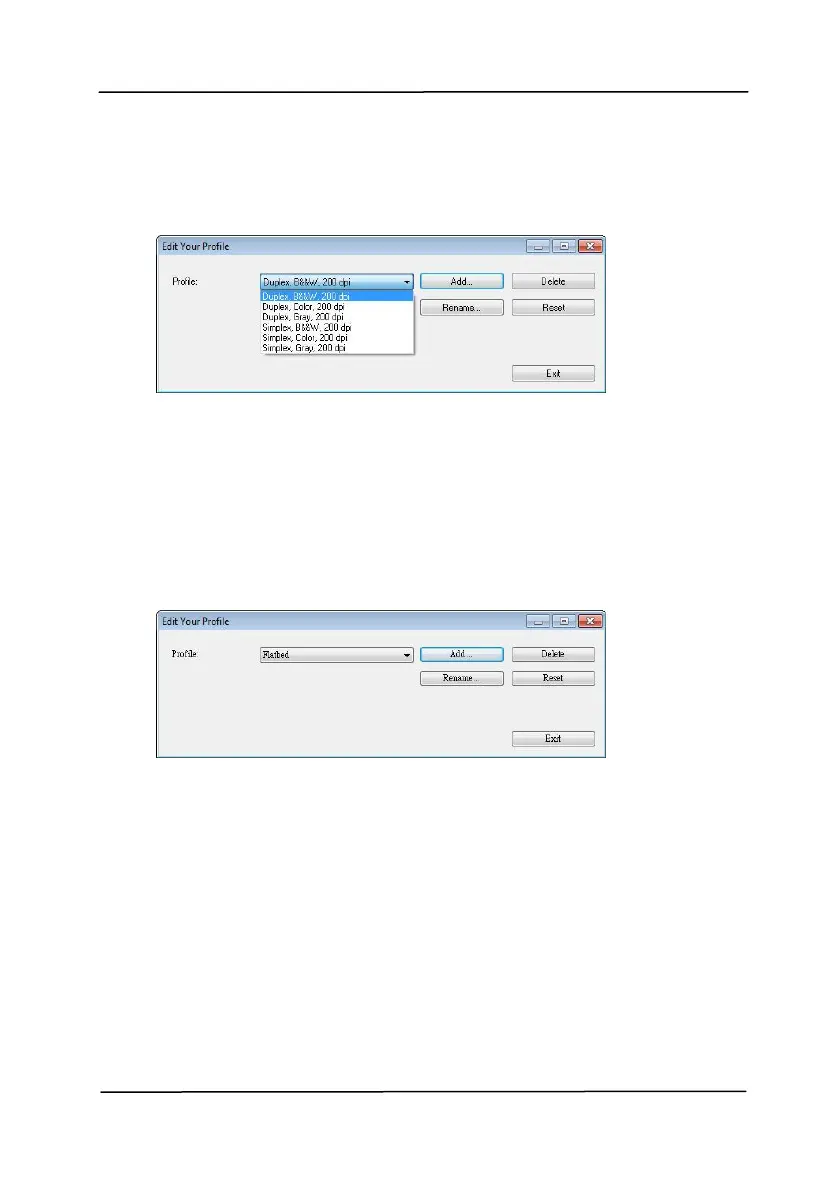
1. From the Image tab dialog box, click “Profiles” to prompt
the Edit Your Profile dialog box.
2. Choose the profile you want to delete from the dropdown
list box.
3. Click “Delete”. A Confirm message “Are you sure you
want to delete this profile?” is prompted.
4. Choose “Yes” to delete or “Cancel” to quit.



 To Next Page