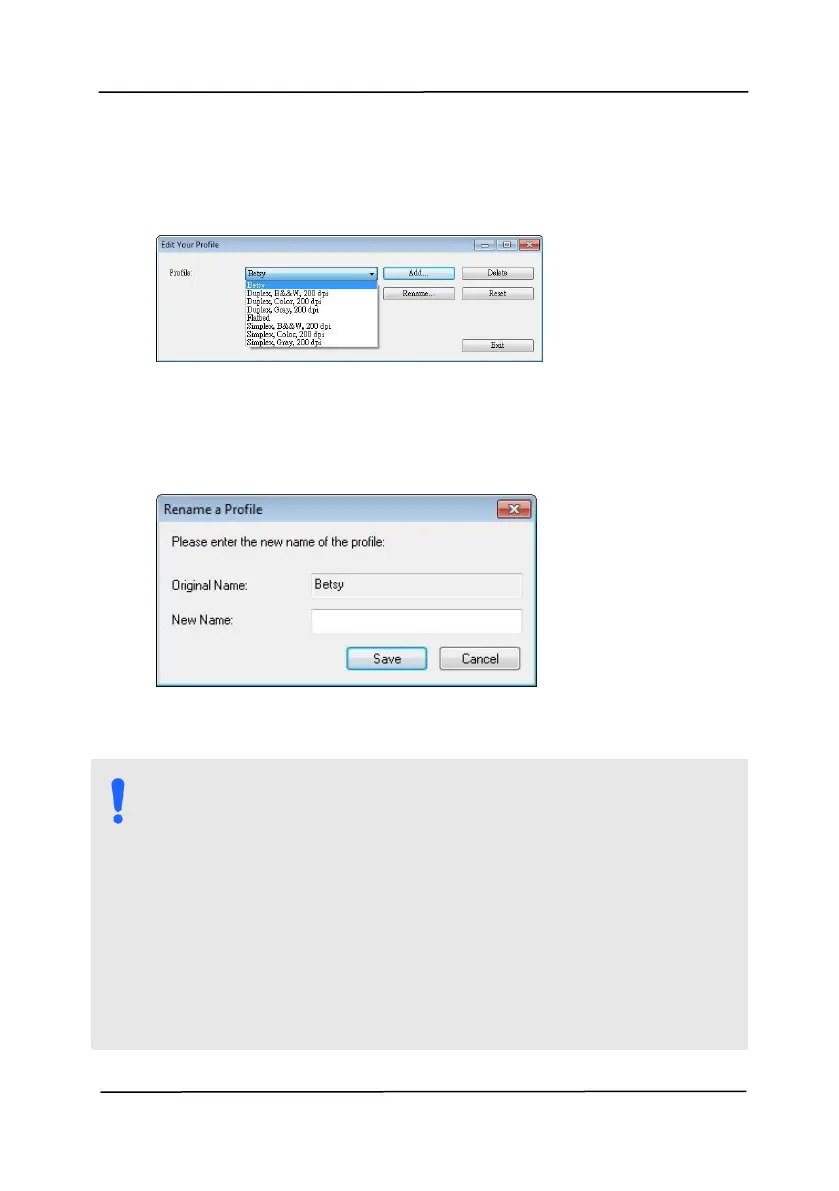
1. From the Image tab dialog box, click “Profiles” to prompt
2. Choose the profile you want to rename from the
dropdown list box and then click the Rename button.
3. Enter new name for the profile.
4. Choose “Save” to save the new profile or “Cancel” to quit.
NOTE:
The preset default profiles include Flatbed, Simplex-
B&W, 200 dpi, Simplex-Gray, 200 dpi, Simplex-Color,
200 dpi, Duplex-B&W, 200 dpi, Duplex-Gray, 200 dpi,
Duplex-Color, 200 dpi. If you have a simplex or a
sheetfed scanner, the duplex or the flatbed option
will not be available.
If any setting for a current profile has been changed,
a [*] sign will be marked before the name of current
profile, for example, [* Duplex, Color, 200 dpi]. If
desire, click the [OK] or [Scan] button and a dialog
box will be prompted to let you save the new profile.



 To Next Page