User’s Manual
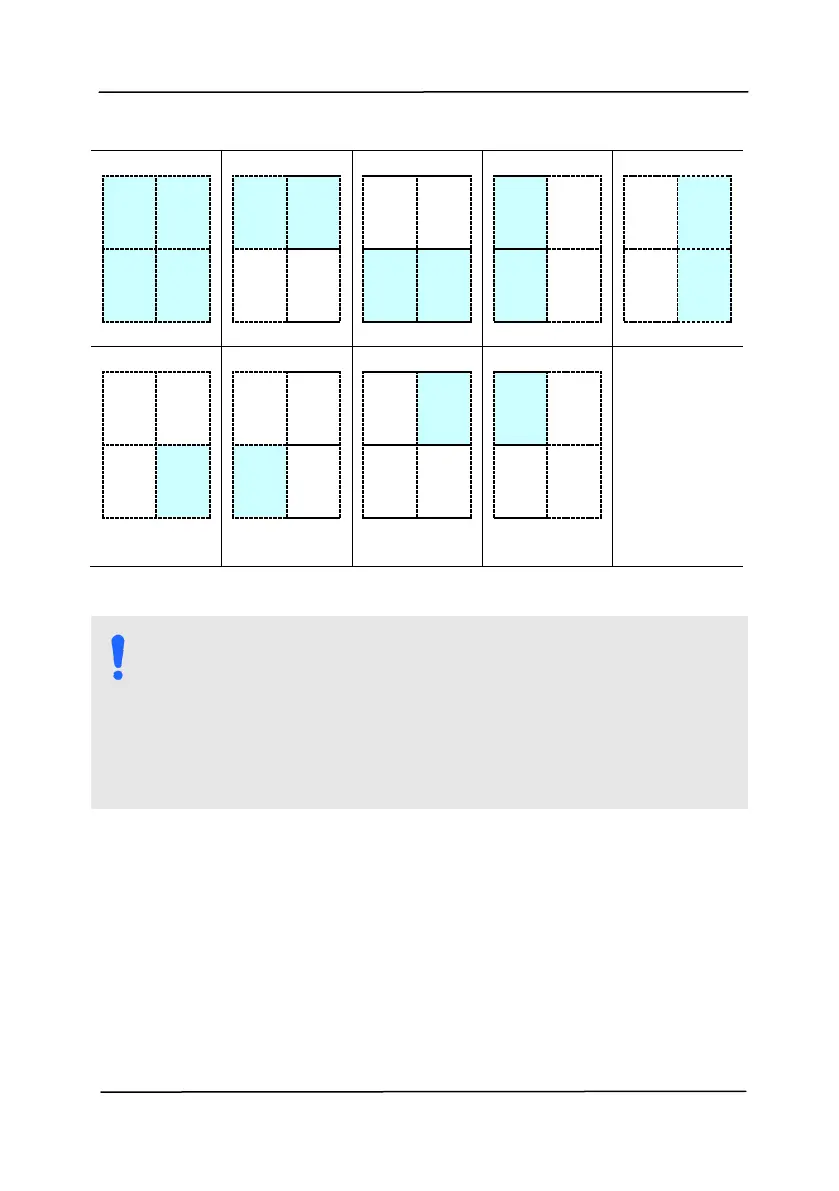
Choice for barcode zone on a page:
NOTE:
Recommended resolution: 200~600 dpi for regular
barcode, 300~600 dpi for QR code
Skewed barcodes may not be recognized correctly.
Using the same sheet repeatedly may decrease the
recognition accuracy due to accumulated dirt on the
sheets. If the sheet is not recognized correctly or
gets smudged, replace it with a new sheet.
Patch code Detection:
Check [Enable] to detect patch codes and notify the software
application for advanced processing.
A patch code is a pattern of parallel, alternating black bars
and spaces (i.e. a barcode) that is printed on a document.
Patch code sheet is most commonly used as a document
separator in a stack of document.



 To Next Page