ScanCopier
4-2
(1) Document cover
Used to hold the document.
(2) Document glass
Document are set on the glass surface.
(3) Scanning head
The major component used to scan the document on the document glass.
(4) Power-on light
Turns on when the ScanCopier is power on.
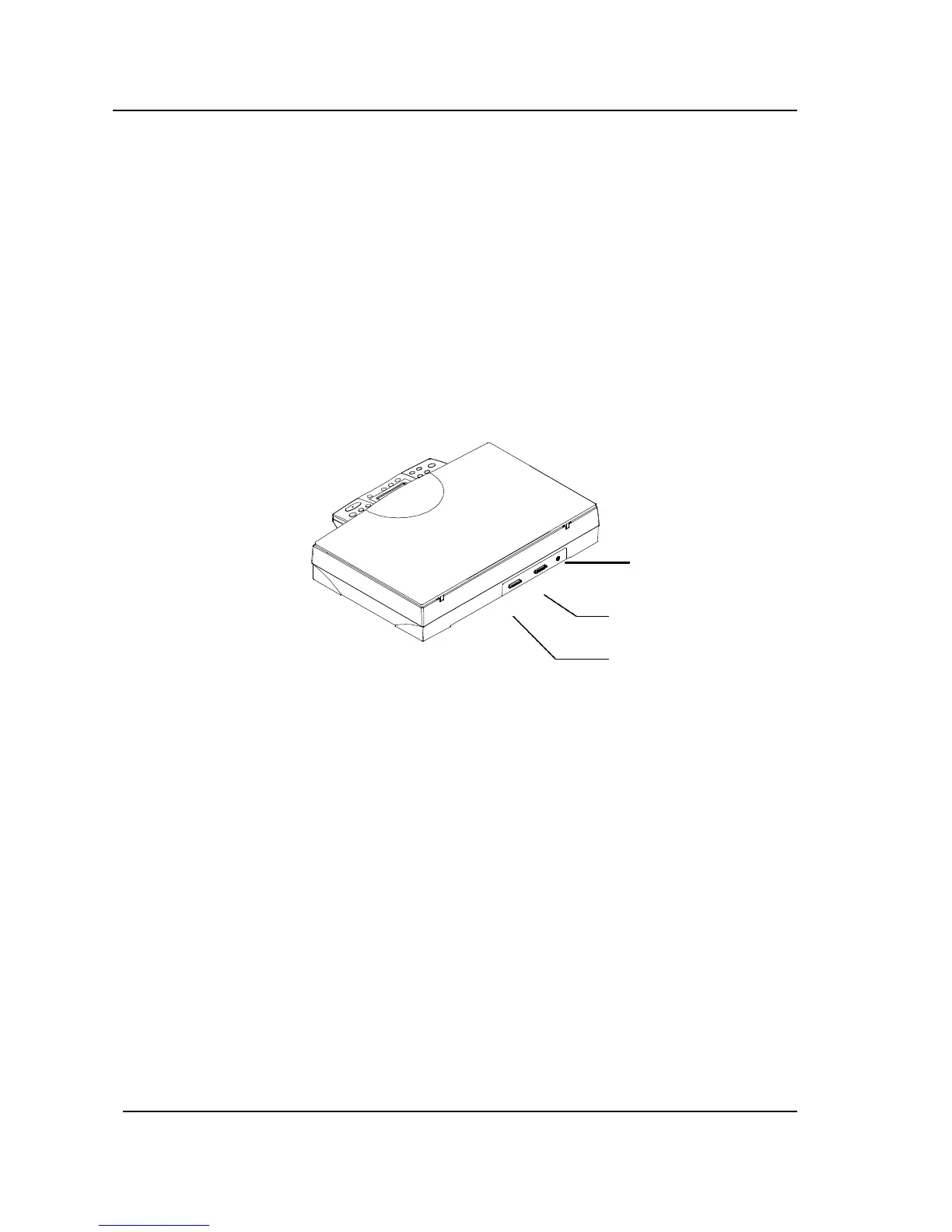
4.1.2 REAR VIEW
(1) Power jack
Used to connect power cable.
(2) “To PC Parallel” port
Used to connect parallel cable(supplied).
(3) “To Printer” port
Used to connect printer cable.
Power jack
Figure 4.2 Rear view
“To PC Parallel”
port
“To Printer” port



 To Next Page