ScanCopier
3-2
1
2
3
4
5
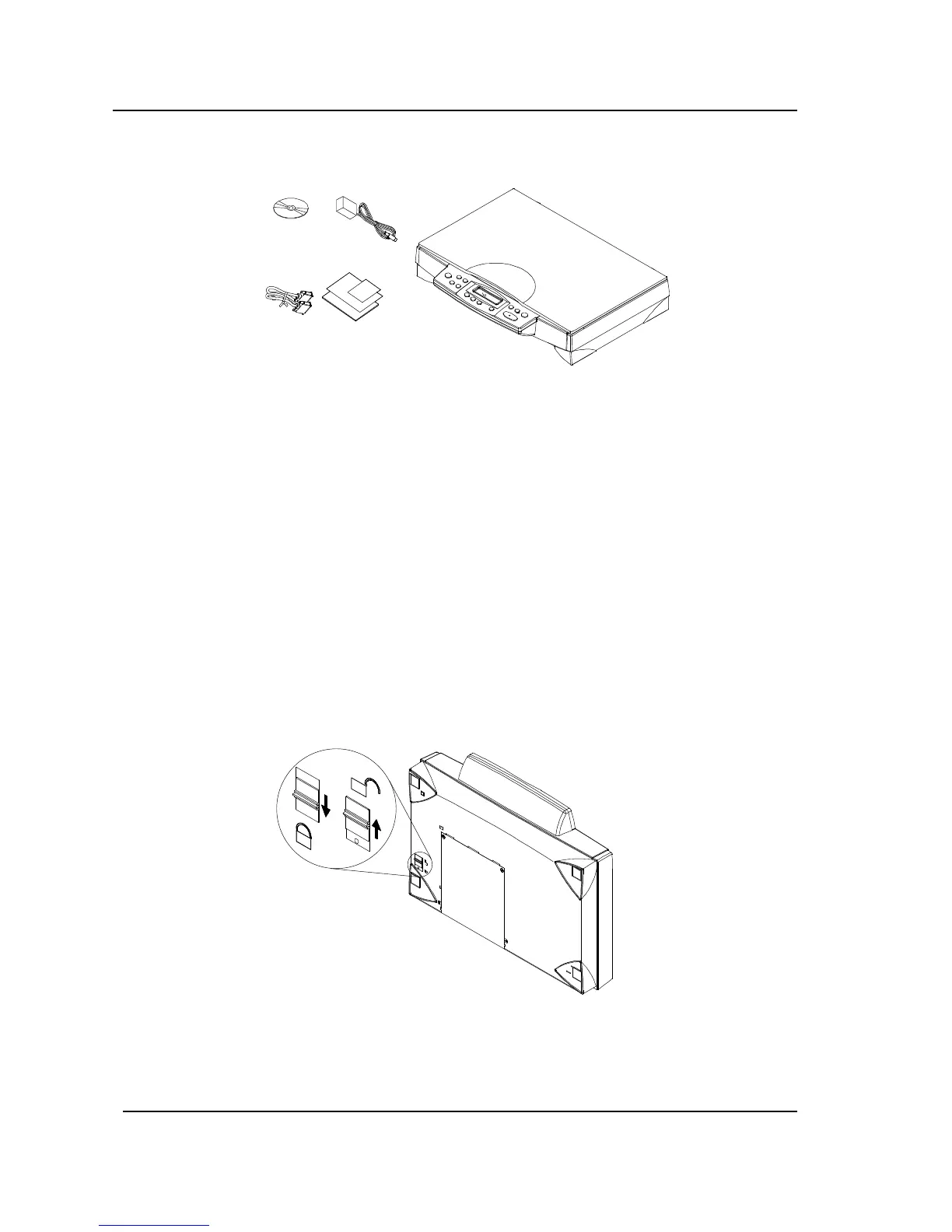
Figure 3.1 Package Contents
3.3 INSTALLATION
(1). Unlocking the ScanCopier
Before you use ScanCopier, be sure to unlock it by moving the lock switch under the ScanCopier to the
“Unlock” position(See the following figure). The lock switch is designed to protect the scanning head in
case of any damage during shipment.
1
2
Figure 3.2 Unlock the ScanCopier
Note: If you need to transport the ScanCopier, be sure to first move the lock switch to the “Lock”
position to prevent any damage during transportation.
1. “Lock” Position
2. “Unlock” Position
1. Software CD
2. Power Adapter
3. One Parallel Cable
4. Quick Guide
5. ScanCopier main unit



 To Next Page