- 26 -
Functions described in this manual
• The following functions must be enabled by the installer.
• Some functions may not be active and could vary slightly on the display.
• To identify the buttons and LEDs described for the various functions, refer to the table in
chapter "Keypad Description" of the respective model.
Display illumination
Touch the screen to activate the backlighting that remains in effect until the time set in “Duration
of Backlighting" in the menu:
> User Code >
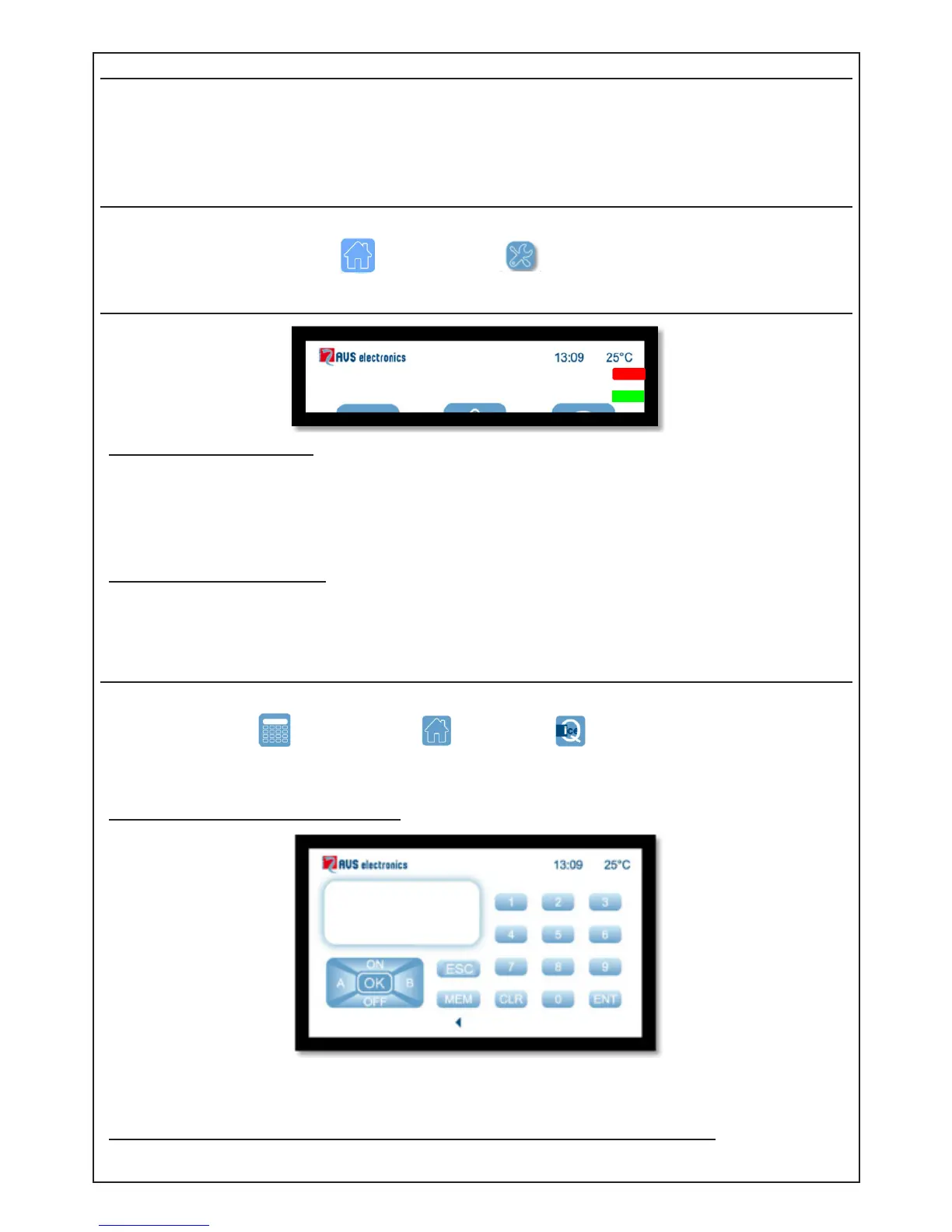
Display LED
Red Led - System armed
• If on, the sector/s, associated to keypad, is armed in one of its modes.
• If off, the sector/s, associated to keypad, is disarmed.
• If ashing, the sector/s, associated to keypad, is disarmed.and an alarm has occurred
during the previous arming.
• If ashing quikly, at least one of the sectors associated to keypad, is armed.
Green Led - System ready
• If on, all the zones are ready to be enabled.
• If off, at least one of the zones is open.
• If ashing, at least one zone has been by-passed.
Operating mode
To unlock the keypad, swipe from left to right where you see " >> >> >> ", then select the required
mode by touching: Keypad mode, App mode, Quick mode
Keypad mode (if enabled in setup):
- Key in the user code to enter.
To use keypad mode, please refer to the User Manual for Keypad type A500
Back



 To Next Page