OWNER’S MANUAL
2
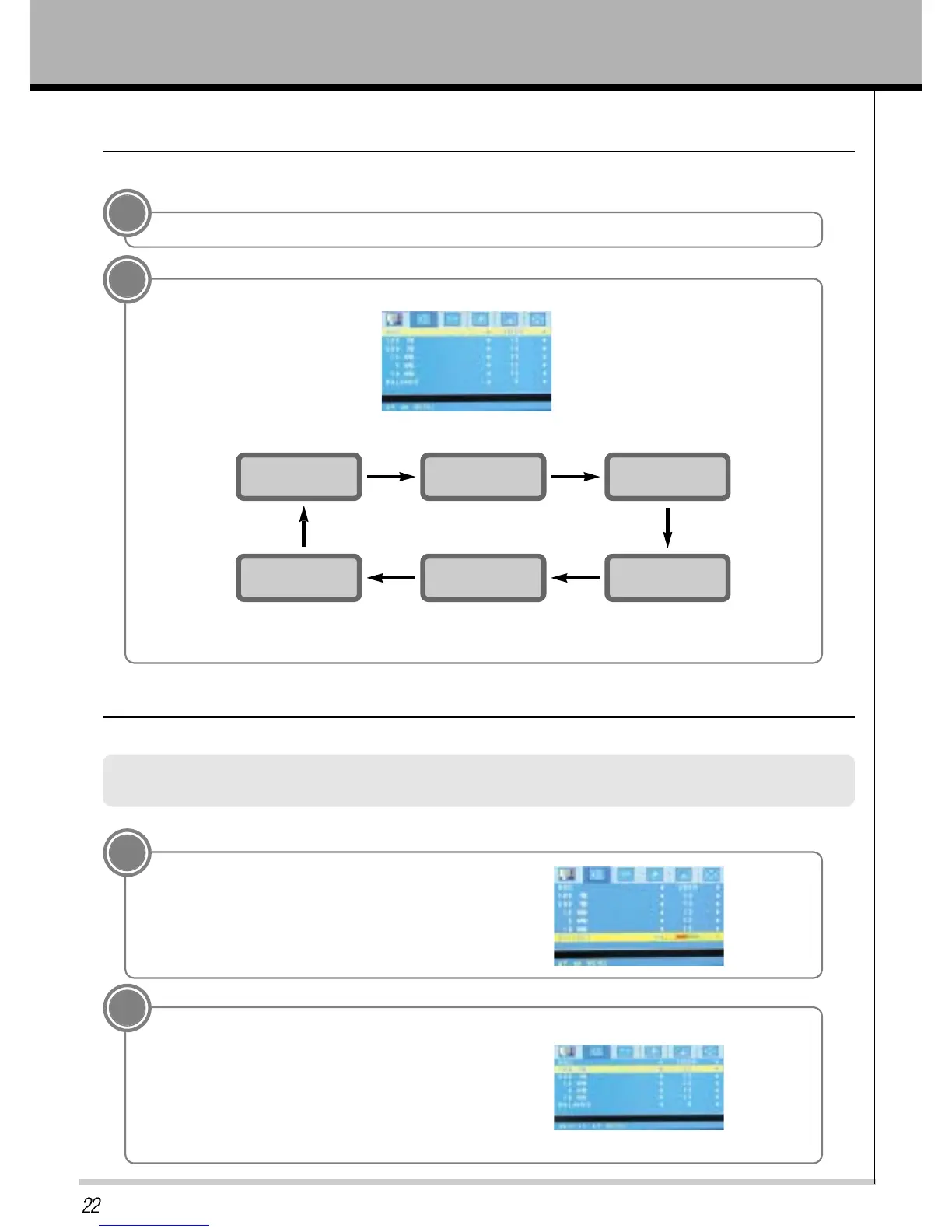
Press PR- button and then VOL+ button to select a sound setup.
• You can also select SURROUND, STANDARD, MUSIC, MOVIE, SPEECH, USER in the SOUND menu.
STANDARD
SURROUND
MUSIC
USER
MOVIE
SPEECH
ASC(Auto Sound Control)
Auto Sound Control
1
Press the MENU button and then VOL+/- button to select a SOUND setup.
• Each press of ASC or PR+/- button changes the screen display as shown below.
Press the MENU button and then press the VOL+/- button to select SOUND menu.
Press the PR- button.
Manual Settings
Adjusting Sound
1
Press the PR- button to select BALANCE and then
press the VOL( + ) button.
2
Use the VOL +/- button th make appropriate adjustments and then press the ENTER button.
* Press the PR +/- buttons to select other items.
* Adjust 100Hz, 500Hz, 1.5KHz, 5KHz and 10KHz in the same way.



 To Next Page