OWNER’S MANUAL
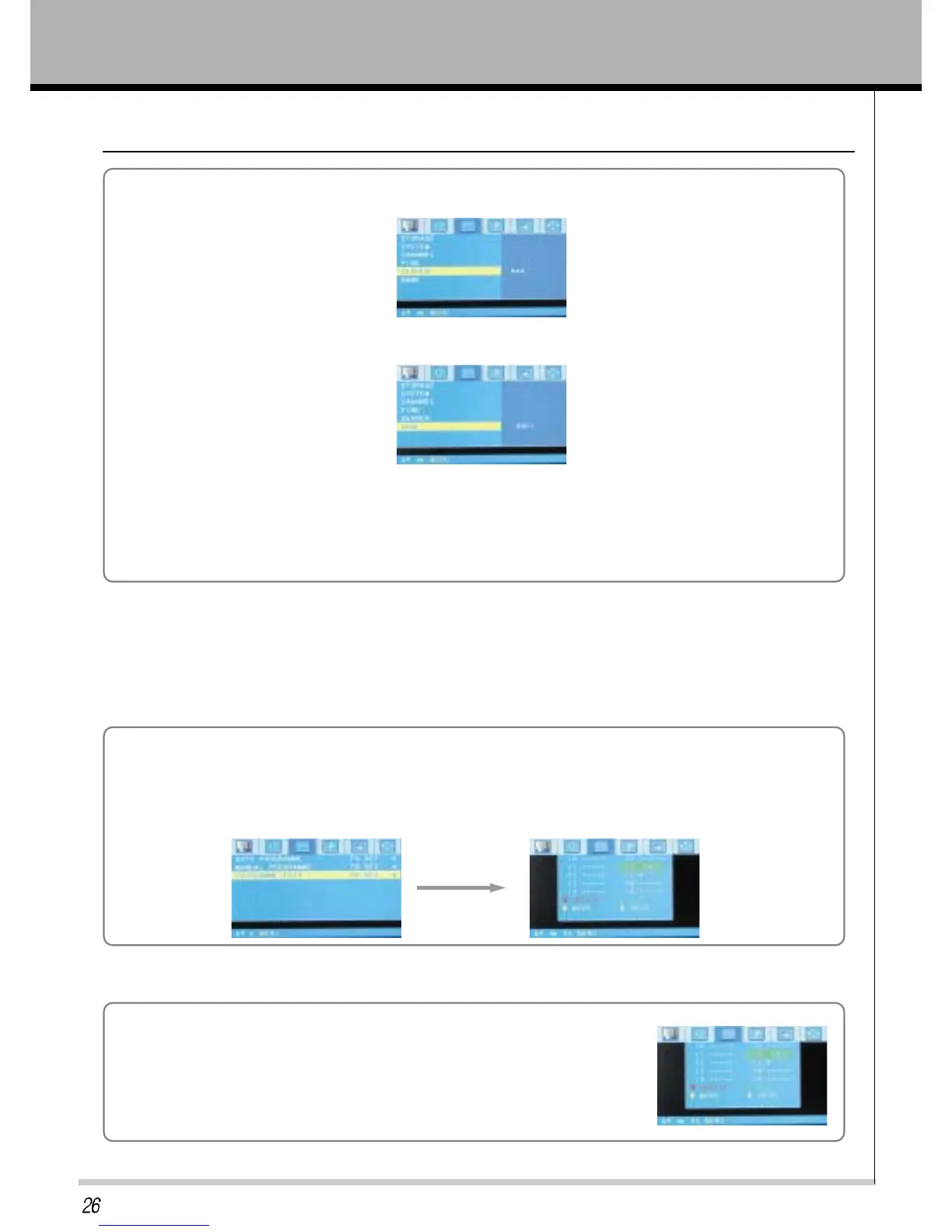
Press the VOL+ button. Press the VOL+ button to commence searching on the Search pull-down
menu. If a station is found the search will stop.
Press the PR+/- button to select NAME.
Press the VOL+ button on the NAME pull-down menu.
Press the PR+ button. You can use a blank, +, -, the numeric 0 to 9 and the alphabet A to Z. With the
PR - button you can select in the opposite direction.
Select the position by pressing the VOL+/- button and then take your choice of the second character,
and so on.
Press the ENTER button.
•
•
•
•
•
•
Setting up TV stations
Programme edit
This function enable you to delete or skip the stored programmes.
Also you can move some stations to other programme numbers or insert a blank station data into the selected
programme number.
Deleting a programme
•
•
•
Select a programme to be deleted with the PR+/- or VOL+/- button.
Press the RED button twice.
The selected programme is deleted, all the following programmes are shifted
up one position.
•
•
Press the MENU button and then press VOL+/- button to select the TUNING menu.
Press the PR- button to select PROGRAMME EDIT.
Press the VOL+ button to display the Programme edit menu.



 To Next Page