OWNER’S MANUAL
Setting up TV stations
5
Press the VOL+ button to select the programme number.
Select the desired programme number (0 to 99) with the VOL+/- button or NUMBER buttons on
the STORAGE pull-down menu. Any number under 10 is entered with a numeric ‘0’ (or ‘00’) in front
of it, ie. ‘05’ (or ‘005’) for 5.
6
Press the ENTER button.
7
Press the PR+/- button to select SYSTEM.
8
Press the VOL+ button. Select a TV system with the PR+/- button on the SYSTEM pull-down
menu.
BG : (Asia/New Zealand/M.East/Africa/Australia)
I : (Hong Kong/South Africa) - (option)
DK : (East Europe/China/Africa/CIS)
L : (France/Monaco)
9
Press the ENTER button.
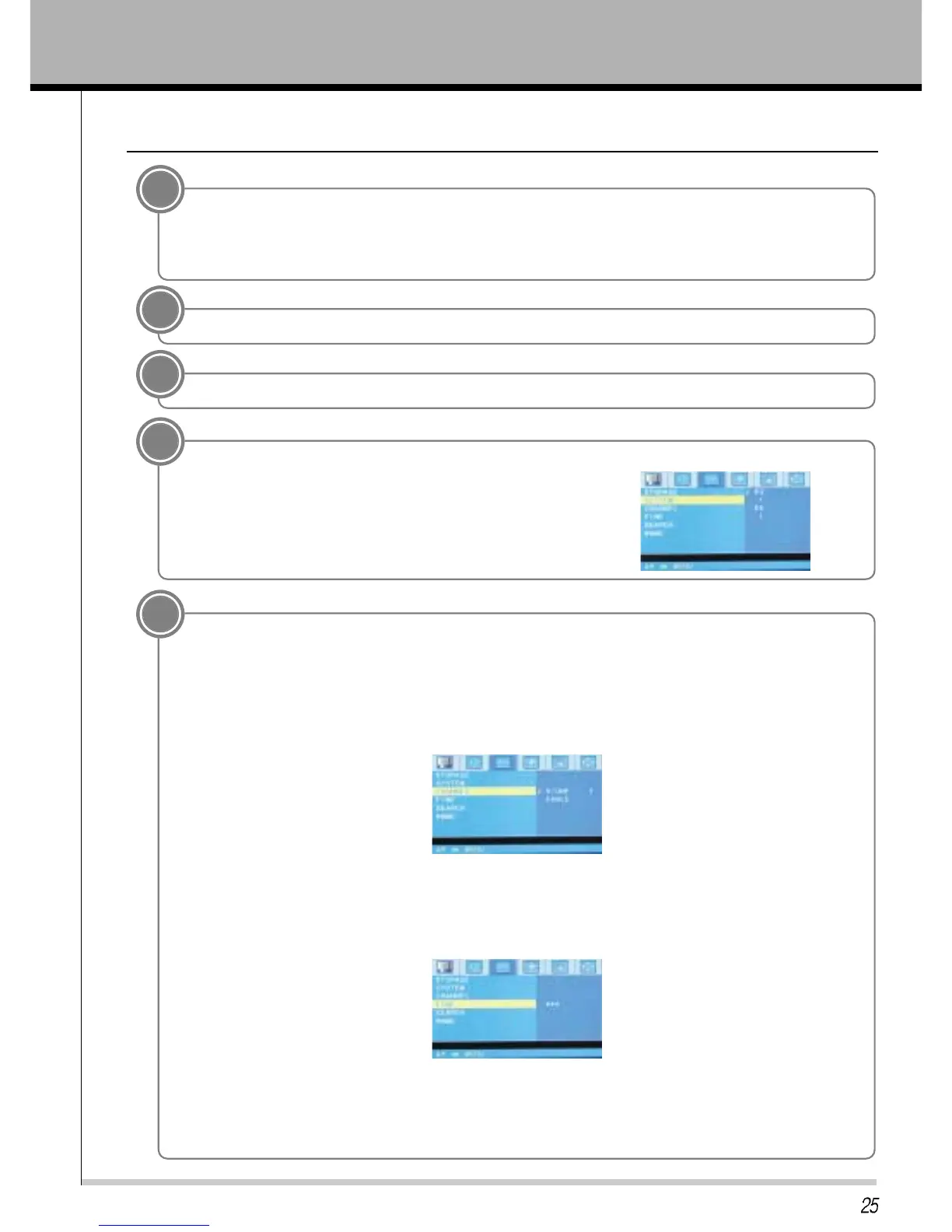
Press the PR+/- button to select CHANNEL.
On the Channel pull-down menu.
if possible, select the channel number directly with the number buttons.
Any number under 10 is entered with a numeric ‘0’ (or ‘00’) in front of it, ie. ‘05’ for 5.
Press the PR+/- button to select FINE.
Press the VOL+ button.
Press the VOL+/- button to fine tune for the best picture and sound on the Fine pull-down menu.
Press the ENTER button.
Press the PR+/- button to select SEARCH.
•
•
•
•
•
•
•
•



 To Next Page