OWNER’S MANUAL
1
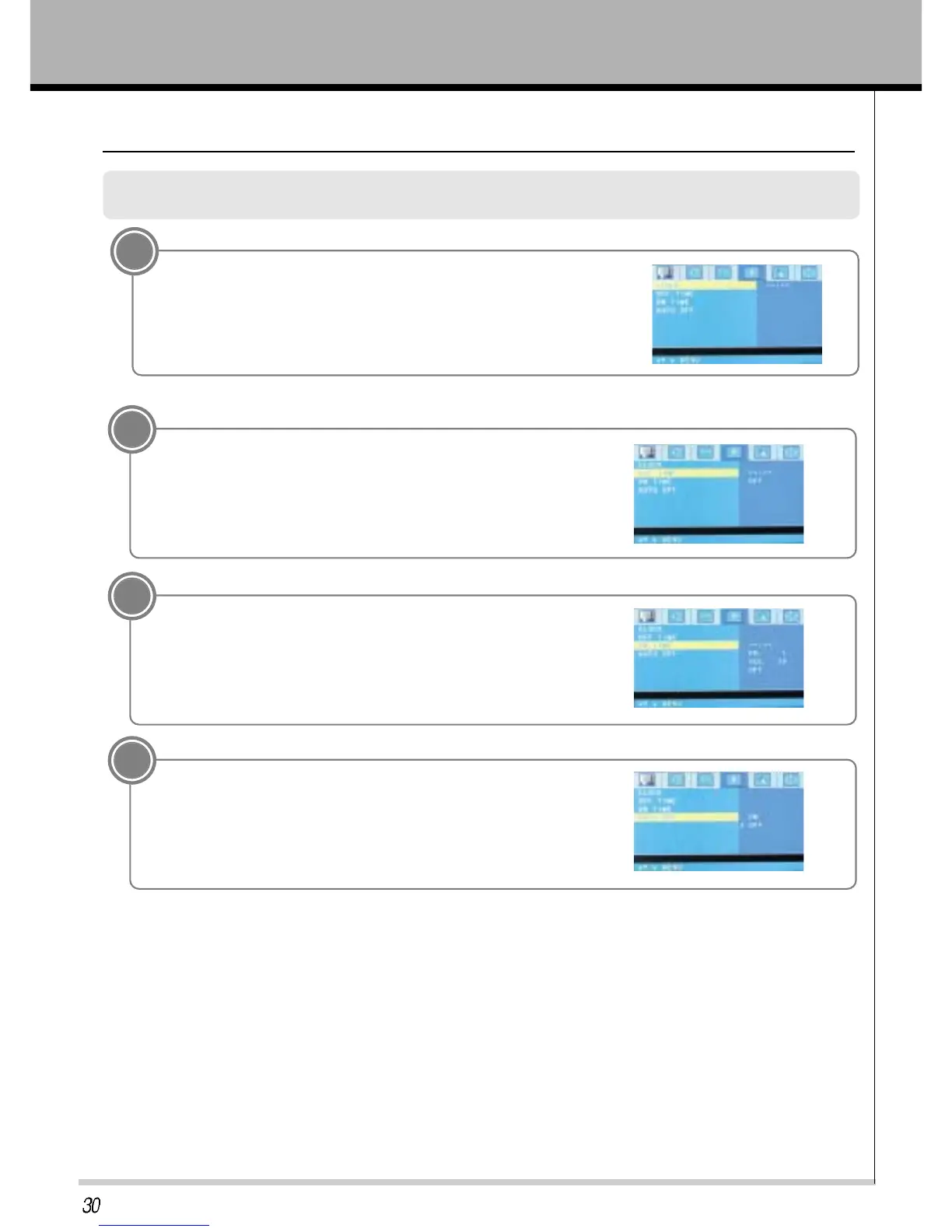
Press the MENU button and then press the VOL+/- button to select CLOCK menu.
Press the PR- button.
Press the PR+/- button to select CLOCK and then press the VOL(+)
button.
Press the PR+/- button and VOL+/- button to select time.
Press the ENTER button.
Selecting CLOCK for the menus
3
4
Press the PR+/- button to select AUTO OFF and then
press the VOL(+) button.
Press the PR+/- button to select ON/OFF.
Press the ENTER button.
Press the PR+/- button to select ON TIME and then
press the VOL(+) button.
Press the PR+/- button and VOL+/- button to select time and PR,
VOL, ON/OFF.
Press the ENTER button.
2
Press the PR+/- button to select OFF TIME and
then press the VOL(+) button.
Press the PR+/- button and VOL+/- button to select time and ON/OFF.
Press the ENTER button.



 To Next Page