OXYGEN 1000 & OXYGEN 2000 · User Manual · ENG
SURFACE |TALKBOX CONNECTIONS
D. CONTROL ROOM HEADPHONES / MODE
SETUP / AUDIO / OUTPUTS / MONITOR / HEADPHONES / HDP-CRM / MODE
MODE: SEL, SEL+PFL
PFL (pre-fader listening): This mode allows you to listen in headphones to the audio of the PFL-channel
before the intervention of the fader.
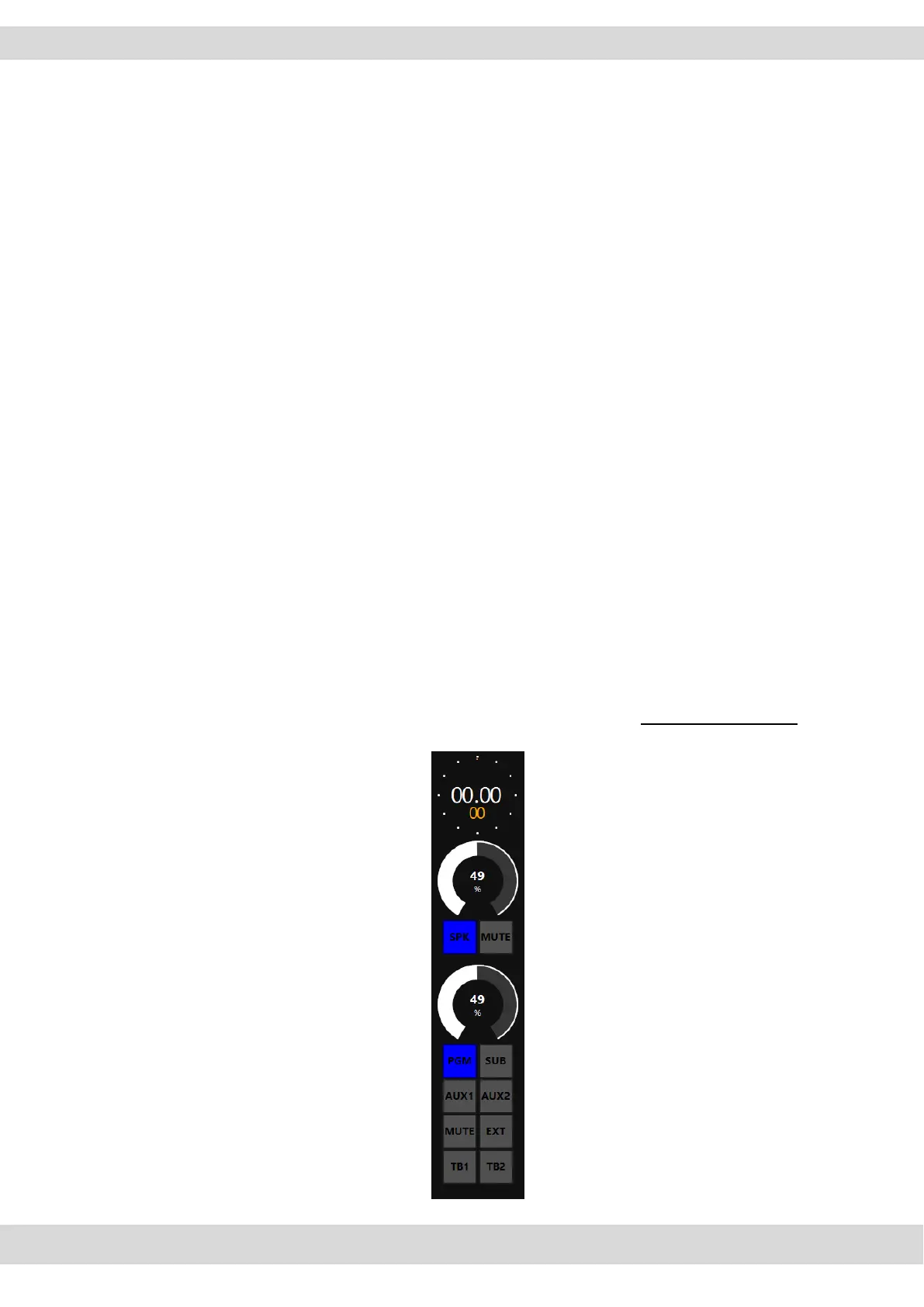
SEL (selection): This option allows you to listen in headphones the selected output from output section
(PGM, SUB, EXT by surface and Oxygen Remoter, AUX1, AUX2 only by Oxygen Remoter).
SEL+PFL (selection and pre-fader listening): This mode allows you to listen in headphones the selected
output or PFL if the PFL button is pressed in a channel.
E. STUDIO SPEAKERS / MODE
SETUP / AUDIO / OUTPUTS / MONITOR / SPEAKER / SPK-STUDIO / MODE
MODE: SEL, SEL+PFL, 2SEL or 2SEL+PFL
PFL (pre-fader listening): This mode allows you to listen in SPK-STUDIO to the audio of the single-
channel before the intervention of the fader.
SEL (one selection): This option allows you to listen in SPK-STUDIO to only ONE selected output from
output section (PGM, SUB, EXT, AUX1, AUX2 only by Oxygen Remoter).



 To Next Page