SURFACE|TALKBOX CONNECTIONS
OXYGEN 1000 & OXYGEN 2000 · User Manual · ENG
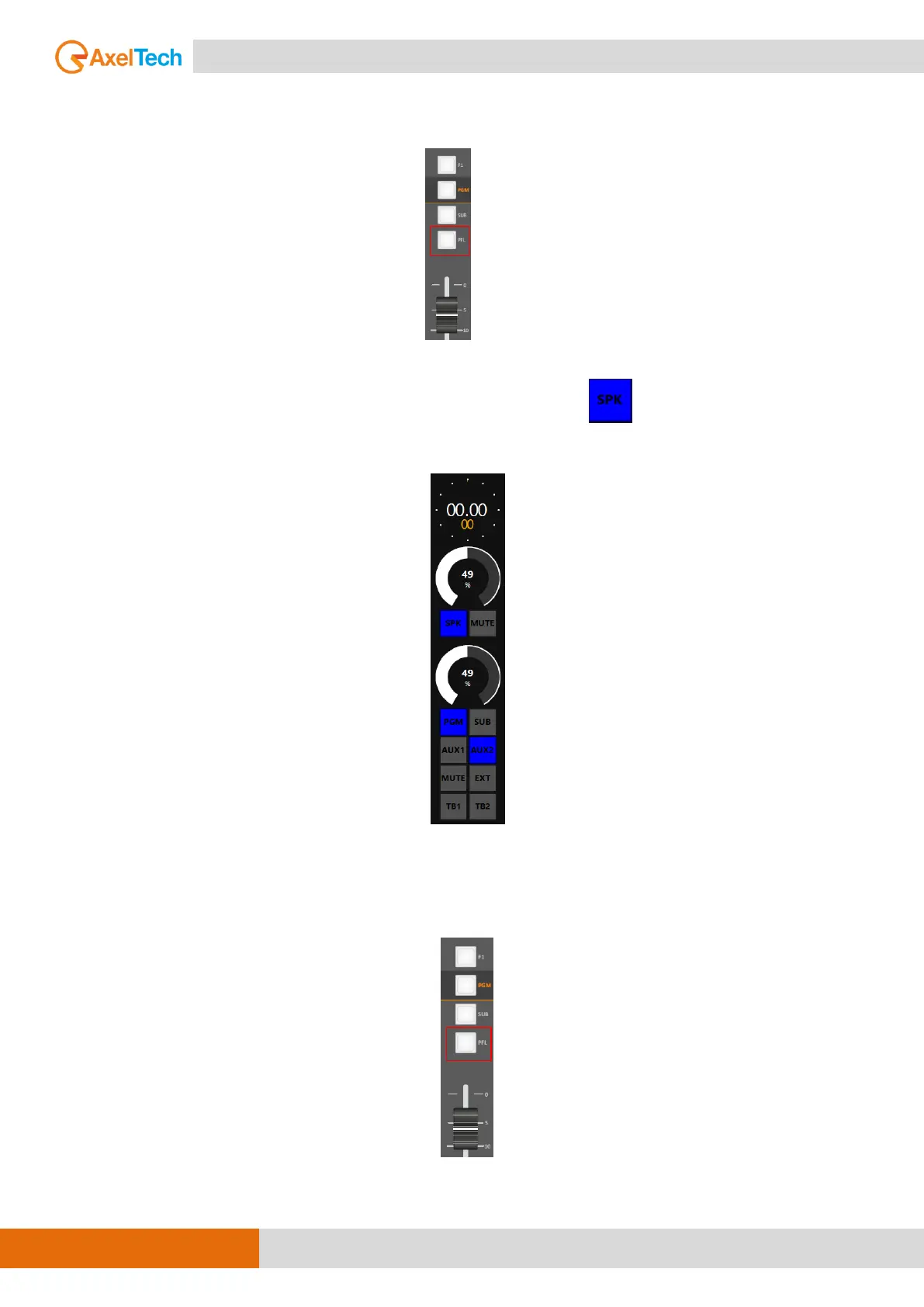
SEL+PFL: This mode allows you to listen to ONE selected output or PFL if the PFL button is pressed in a
channel.
2SEL (two selection): This option allows you to listen to ONE selected output (PGM, SUB, EXT, AUX1,
AUX2 only by Oxygen Remoter) in SPK-STUDIO, and by pressing the button you will be able to
select a different output to be listen on HDP-STUDIO.
2SEL+PFL: This mode allows you to listen to ONE selected output in speakers (PGM, SUB, EXT) in SPK-
STUDIO, and by pressing the SPK button you will be able to select a different output to be listen on
HDP-STUDIO. You will listen PFL if PFL button is pressed in a channel.



 To Next Page