OXYGEN REMOTER - SETTINGS|SPECIAL OXYGEN REMOTER FUNCTION
BUTTONS
OXYGEN 1000 & OXYGEN 2000 · User Manual · ENG
The selected source in HDP C-ROOM is being displayed in the MONITOR SELECTION status. In this case, all
4 LEDs are OFF as explained in the following picture.
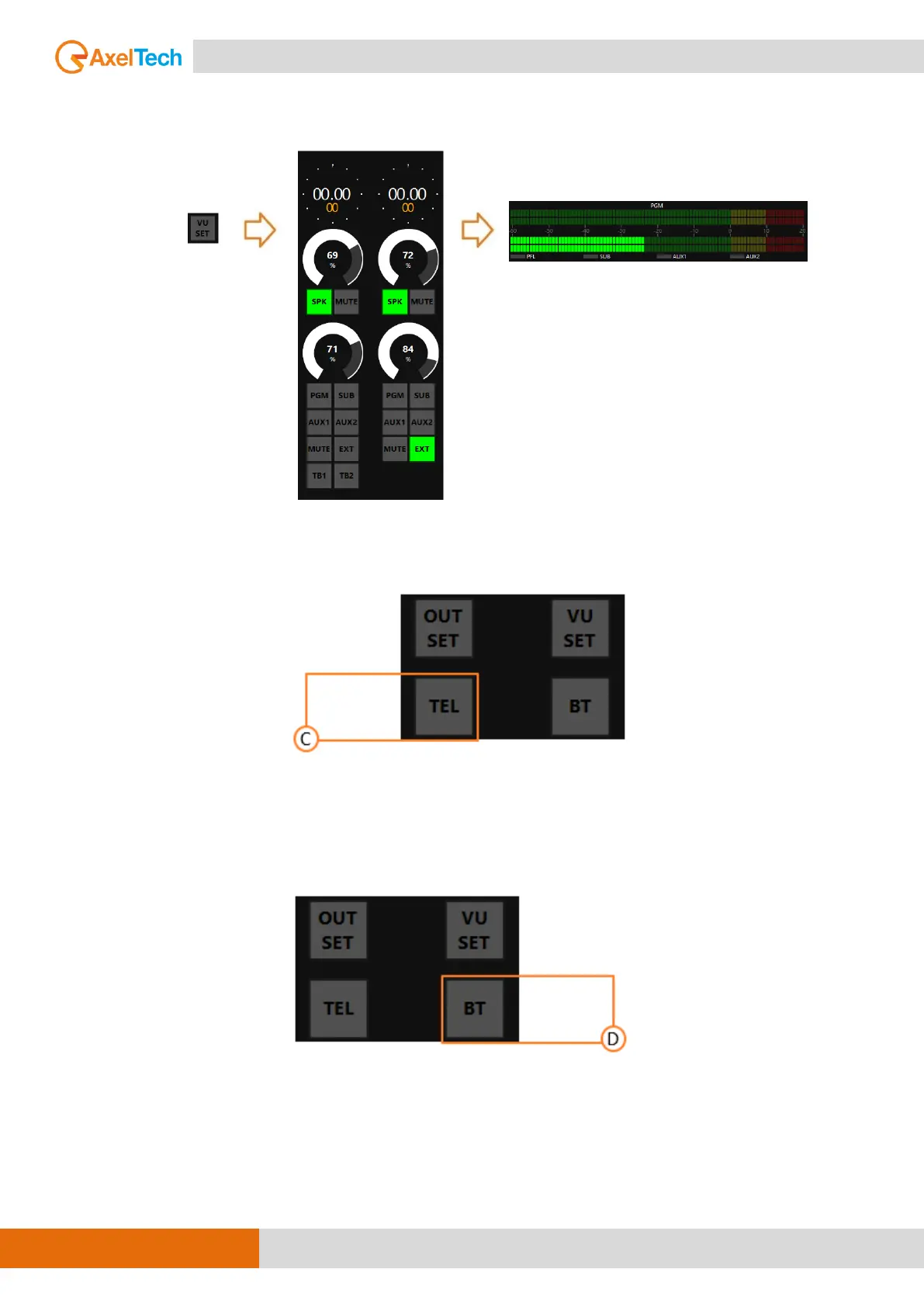
C. TELEPHONE (TEL – OXYGEN REMOTER SIDE)
This button has the same functionality as the F1 button in telephone channel. It hooks up the
incoming call for the telephone channel.
D. BLUETOOTH (BT – OXYGEN REMOTER SIDE)
The Bluetooth has two functioning ways:
- Microphone TX(Mono)- RX(Mono) Interface for telephone communication (GSM call, Skype,
FaceTime, WhatsApp, Facebook, Etc.)
- RX (Stereo) interface for file/streaming player…



 To Next Page