Appendix A: Troubleshooting
50 AXIS 700 User’s Manual
3. Release the Push button and wait at least two seconds (one flash of
the indicators).
4. Press and hold the Push button for at least five seconds until the
Network indicator remains constantly lit.
5. The AXIS 700 is now reset to factory default settings.
6. Restart the AXIS 700 by turning it off and then back on again.
Using a Web browser
Follow these steps to reset to the defaults settings from a Web browser:
1. Start the Web browser.
2. Enter the URL of the AXIS 700 in the location field, i.e. the host
name or the Internet address. Press Enter to display the AXIS 700
Home Page.
3. Click Administration.
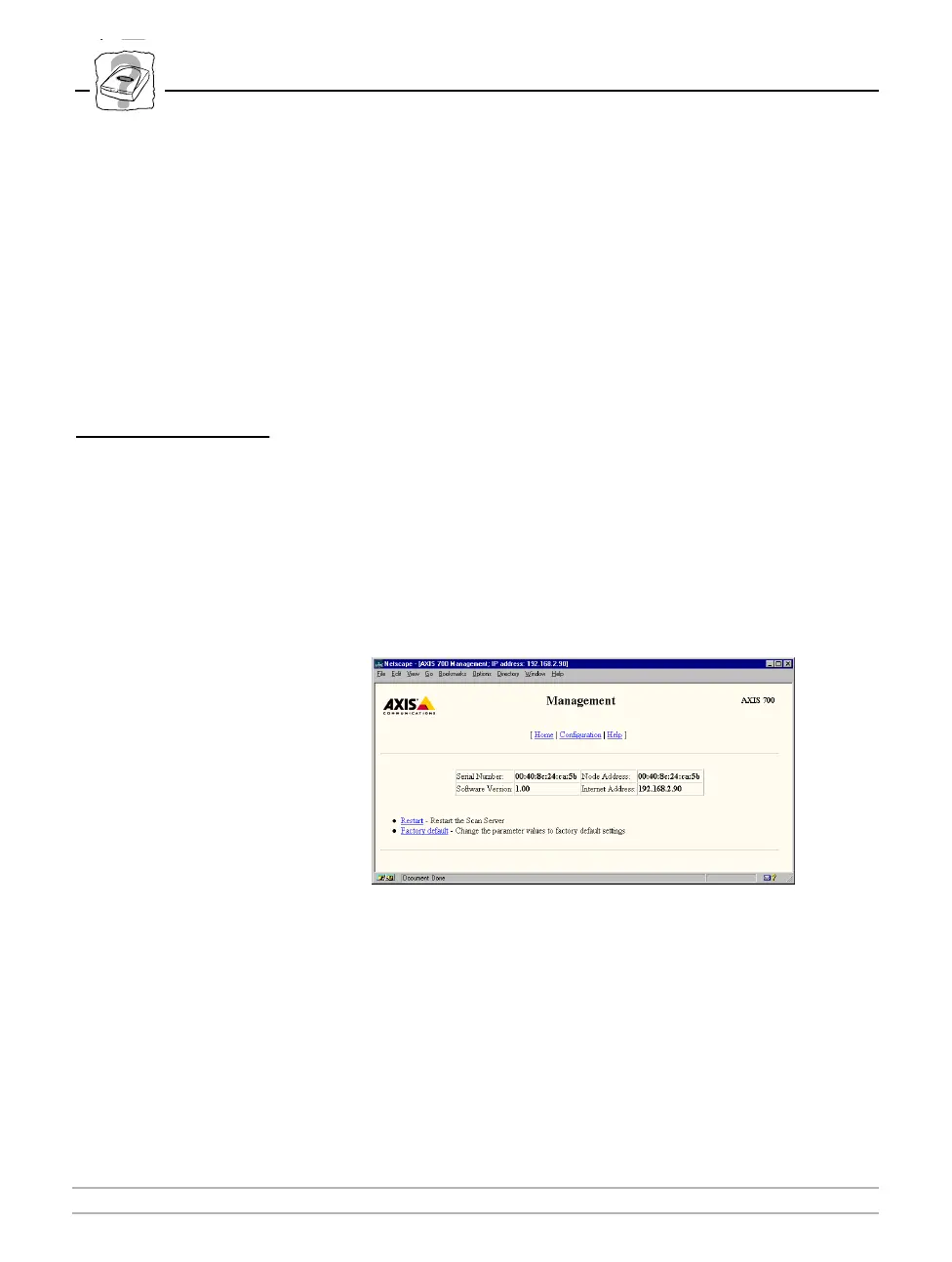
4. Click Management.
5. Click Factory default.
6. On the next page, confirm by clicking Set defaults. The factory
default setting will now be restored and the AXIS 700 will then
restart automatically.



 To Next Page