Section 2: Basic Installation
14 AXIS 700 User’s Manual
Connecting the AXIS 700 to the Scanner
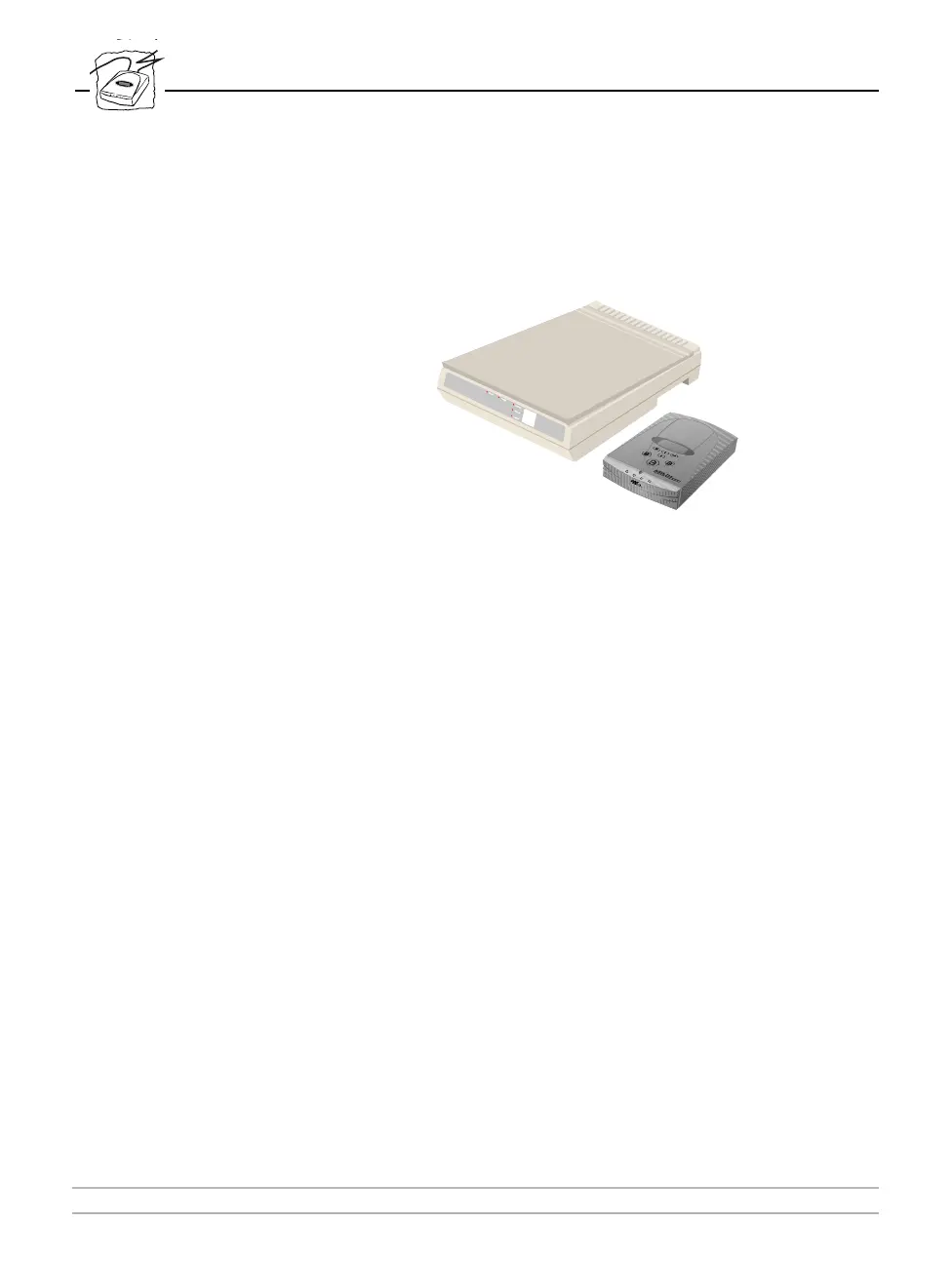
The AXIS 700 is a standalone unit, located beside the scanner. One
AXIS 700 device is required for each scanner.
Notes:
❏ Make sure that the power supply (PS-C, 12 V DC, 36VA or PS-
E, 12 V DC, 13,2VA), included in the delivery is marked with the
correct mains voltage.
❏ When connecting and disconnecting cables always make sure the
power is not connected to the AXIS 700, as the SCSI bus may
become damaged.



 To Next Page