Section 2: Basic Installation
AXIS 700 User’s Manual 17
Connecting the AXIS 700 to the Network
Notes:
❏ Make sure that your network is ready to accept a new node.
❏ Always consult the Network Administrator before making
changes to the network configuration.
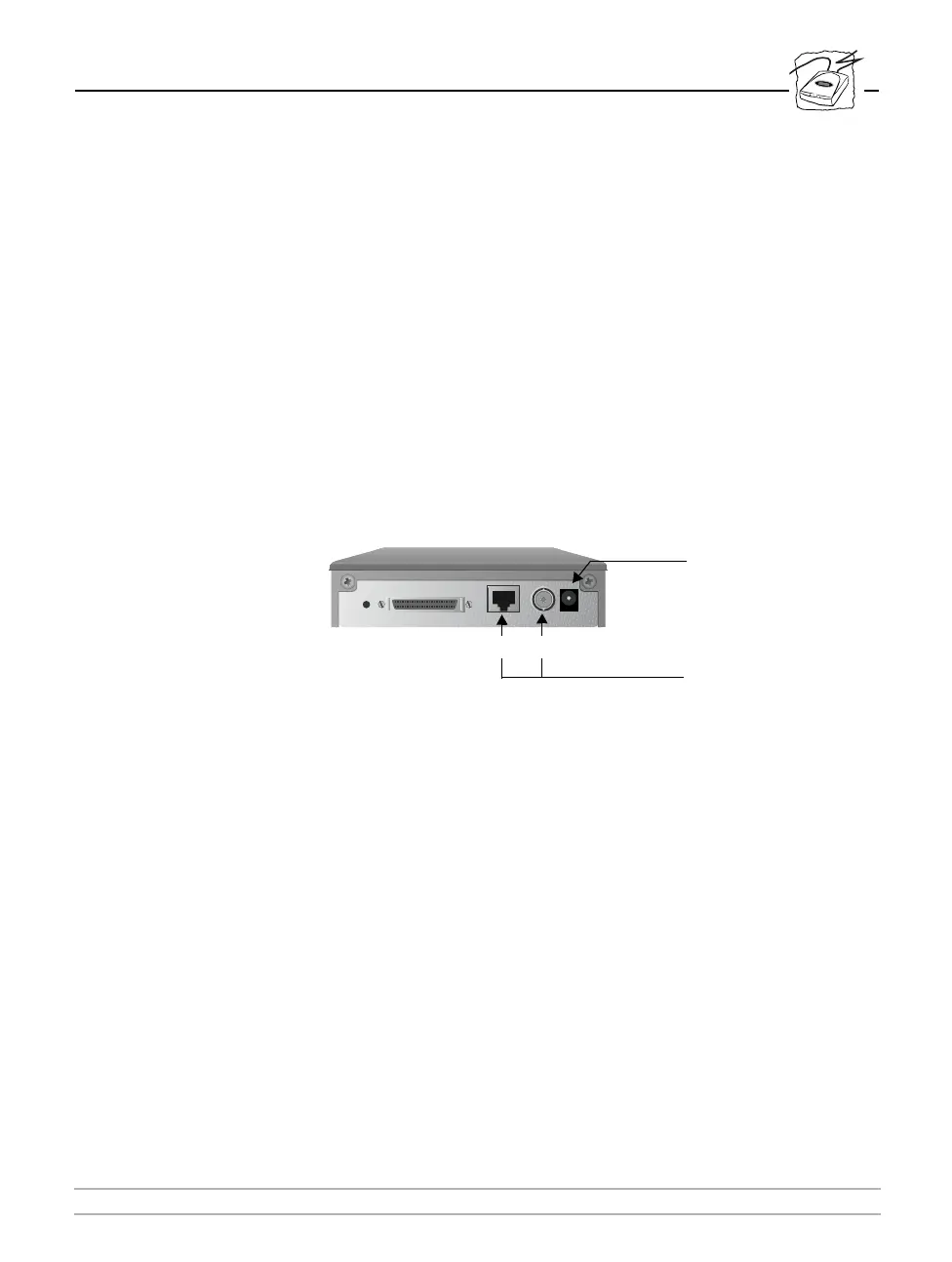
The AXIS 700 is equipped with 10baseT and 10base2 connectors.
To connect the AXIS 700 to your network, follow these steps:
1. Turn off the AXIS 700 by unplugging the power supply.
2. Connect the network cable to the appropriate connector.
3. Power up the AXIS 700 by connecting the external power supply.
Network connectors
Power supply
connector
10baseT 10base2



 To Next Page