Section 3: Configuring the AXIS 700
28 AXIS 700 User’s Manual
Accessing the Configuration Pages
Follow these instructions to enter the configuration using a standard
Web browser. In the examples, Netscape Navigator is used.
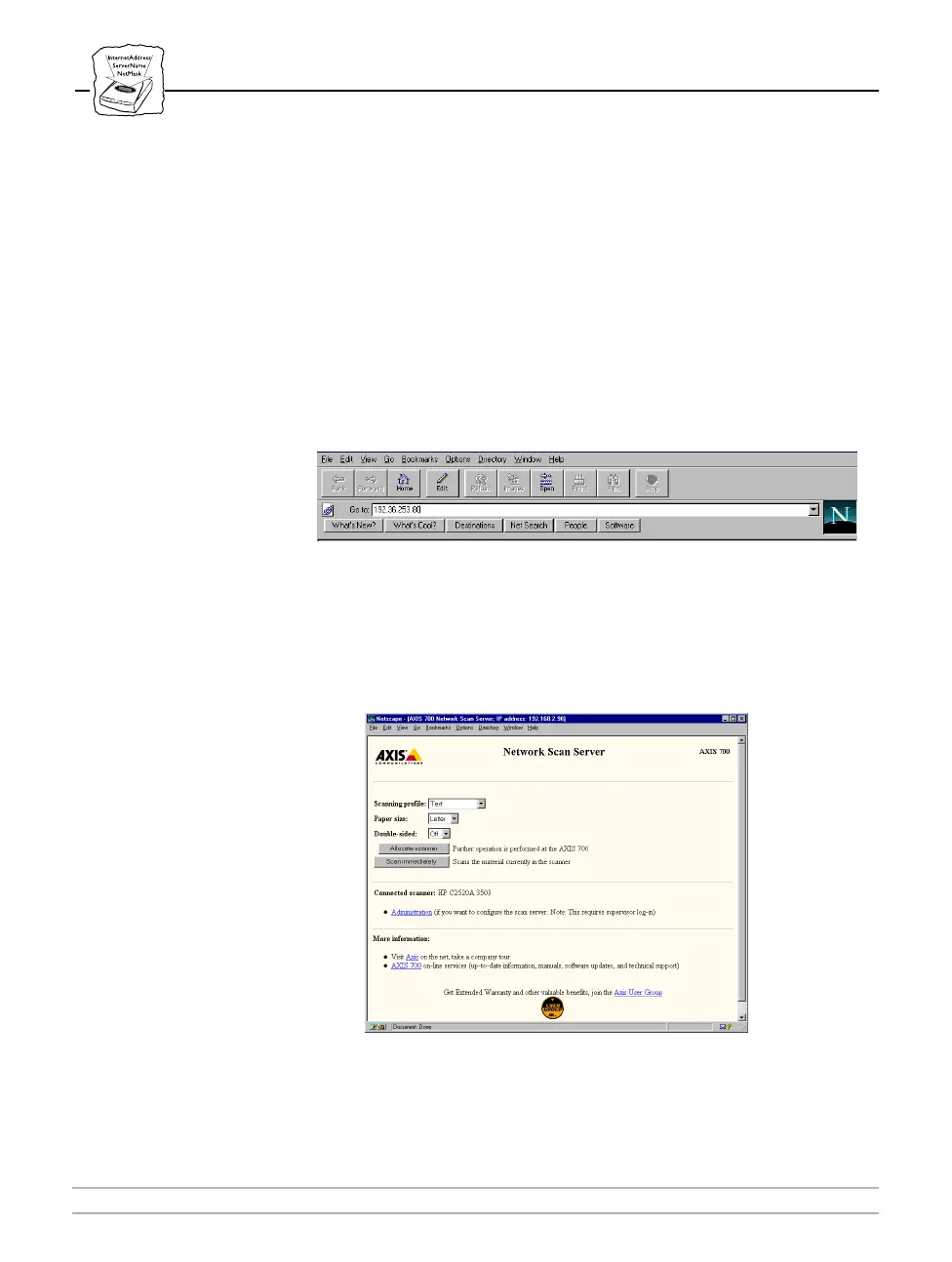
1. Start the Web browser.
2. Enter the name or Internet address of the AXIS 700 on the
Location/Address line and press Enter.
3. This brings you to the Scanning page of the AXIS 700. We
recommend that you set the address of the AXIS 700 as a bookmark.
Netscape Location/Address Line



 To Next Page