Appendix A: Troubleshooting
AXIS 700 User’s Manual 49
Appendix A Troubleshooting
This appendix helps you to:
• Restore factory default settings to the AXIS 700
• Interpret the AXIS 700 front panel indicators
• Interpret the AXIS 700 LCD error messages
Restoring Factory Default Settings
If required, the factory default settings can be restored, e.g. if all
network protocols have been disabled. Restoring the settings can be
done in three ways:
• Using the Push button
• Using a Web browser
• Using FTP
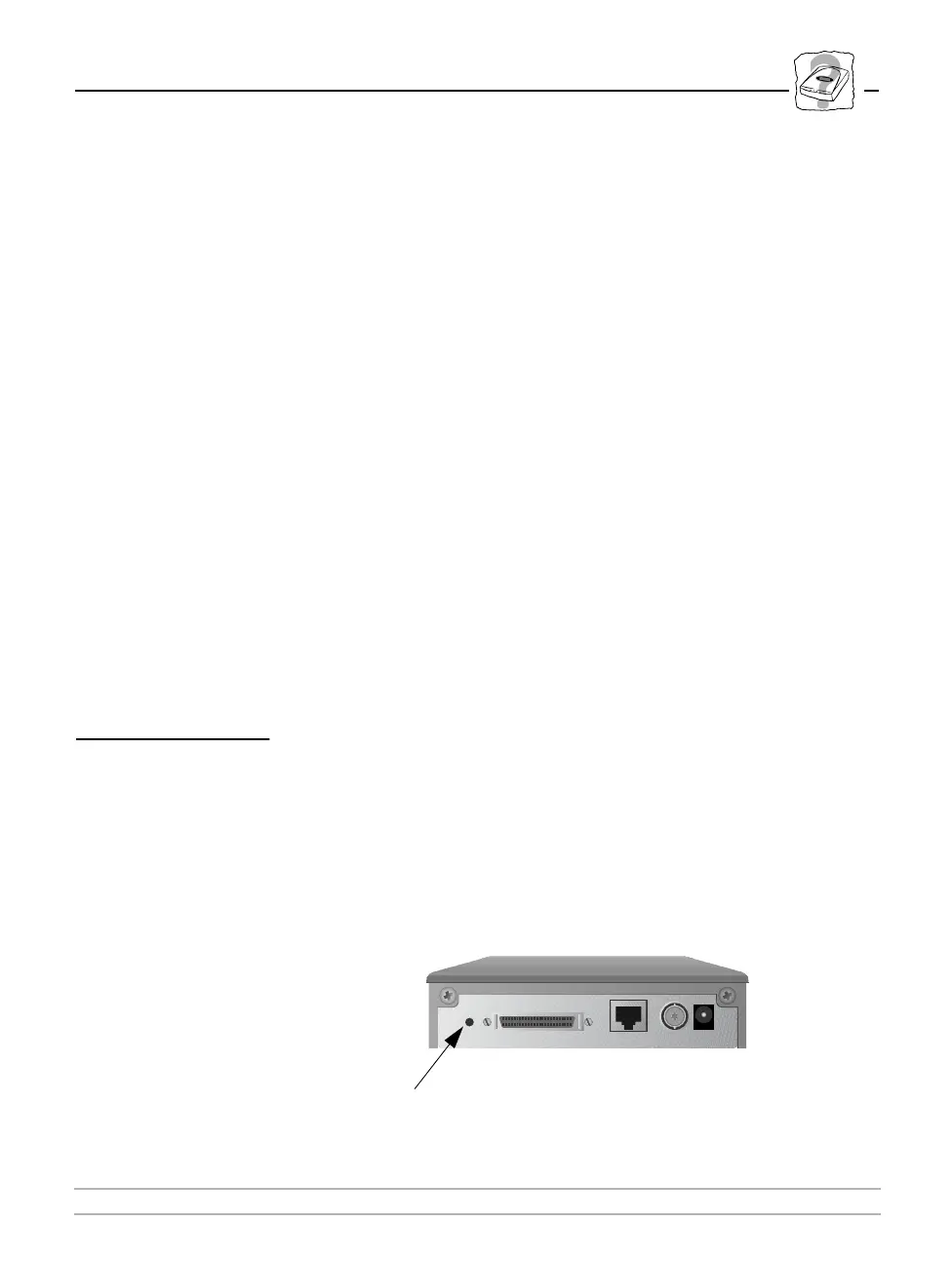
Using the Push Button
Follow these steps to restore the default settings using the Push
button:
1. Turn off the AXIS 700.
2. Press and hold the Push button while you switch on the AXIS 700.
Keep the Push button pressed until the Status, Busy and Network
indicators flash at regular two second intervals.
Push button



 To Next Page