Section 3: Configuring the AXIS 700
AXIS 700 User’s Manual 29
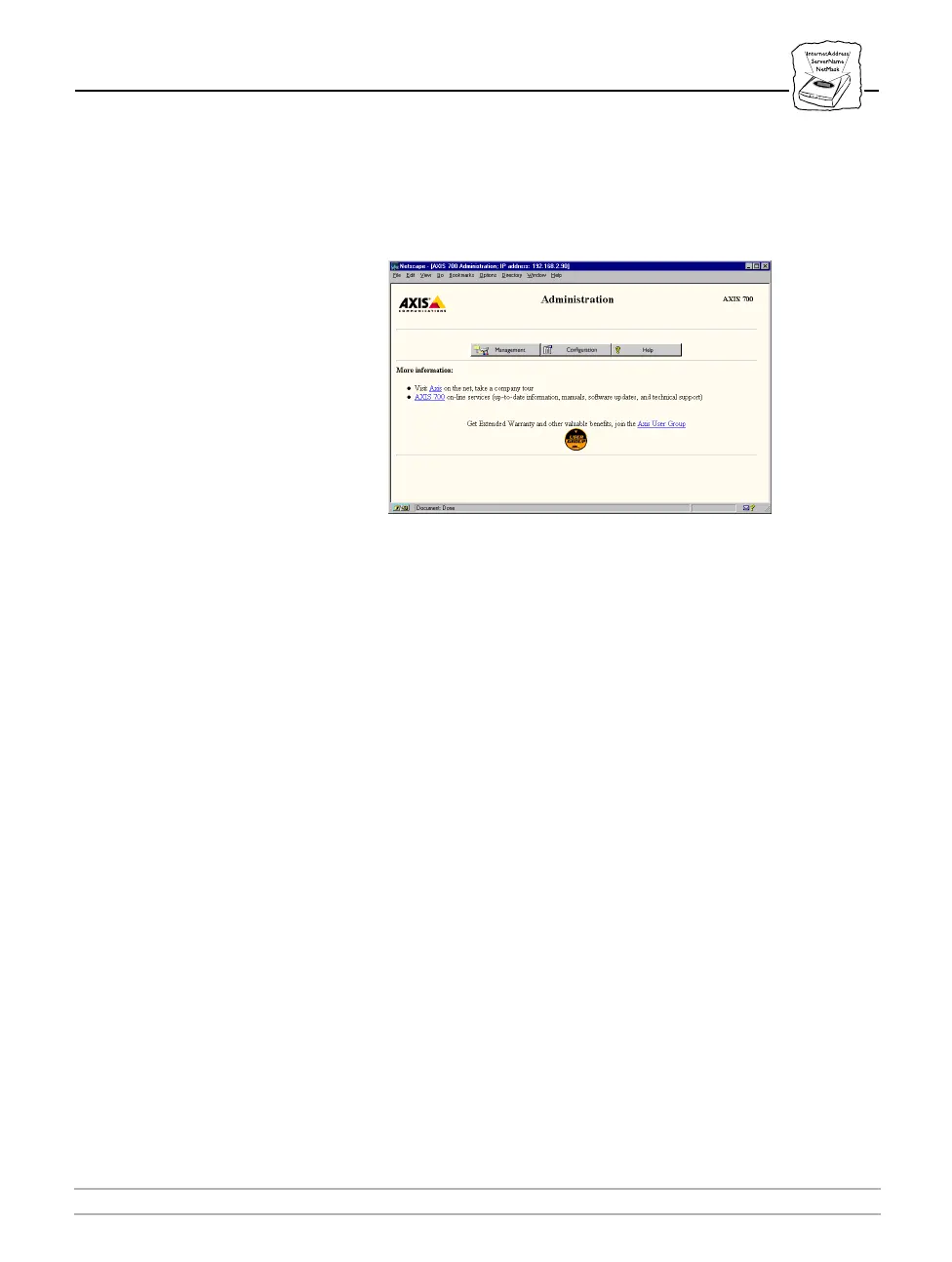
4. Click Administration. If user name and password have been set, you
will be prompted to enter these when entering for the first time
during a session. The Administration page is displayed:
5. Click Configuration. From this page you can access all the
Configuration pages. The AXIS 700 configuration parameters are
organized into these groups:
• Destination - setting up e-mail addresses and file directories as
destinations
• Profile - setting up scanning profiles
• Clients - specifying FTP and SMTP parameters
• IP - specifying IP and DNS parameters
• HTTP/FTP - specifying HTTP/FTP parameters
• SNMP- specifying SNMP parameters
• List - listing configuration parameters



 To Next Page