Section 3: Configuring the AXIS 700
30 AXIS 700 User’s Manual
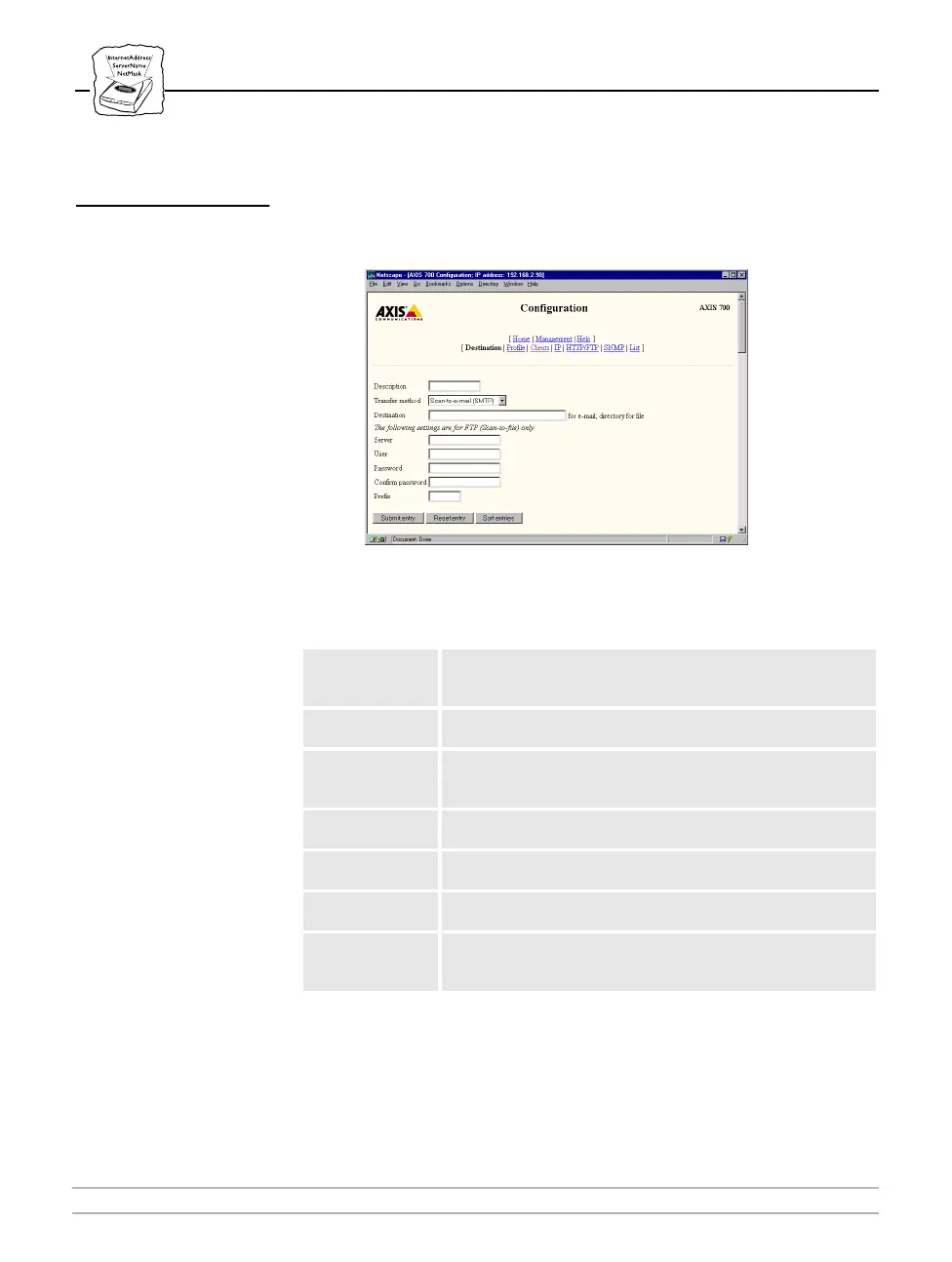
Destination
On the Destination page, you can add, edit, remove and sort
destinations. The destinations are selected from the AXIS 700 user
interface when using the scan-to-e-mail and scan-to-file methods.
The following is a description of the Destination parameters:
Note:
❏ The Description text is the only text that appears on the AXIS
700 menu.
Parameter name Description
Description
The name of the recipient of the scanned image. This will
appear in the display of the AXIS 700. Restricted to a
maximum of 14 characters.
Transfer Method
The protocol used to transmit the scanned image to its
destination.
Destination
This is the e-mail address if using SMTP, or the directory for
the file if using FTP. Restricted to a maximum of 100
characters.
Server
Only used with FTP. This is the server to which the files will be
transferred.
User
Only used with FTP. Used to enable the login on a file server.
If left blank, the setting on the Clients page will be used.
Password
Only used with FTP. Used to enable the login on a file server.
If left blank, the setting on the Clients page will be used.
Prefix
Only used with FTP. Used to assign a file prefix to the
transferred file. If left blank, the setting on the Clients page will
be used.



 To Next Page