Section 3: Configuring the AXIS 700
AXIS 700 User’s Manual 31
Profile
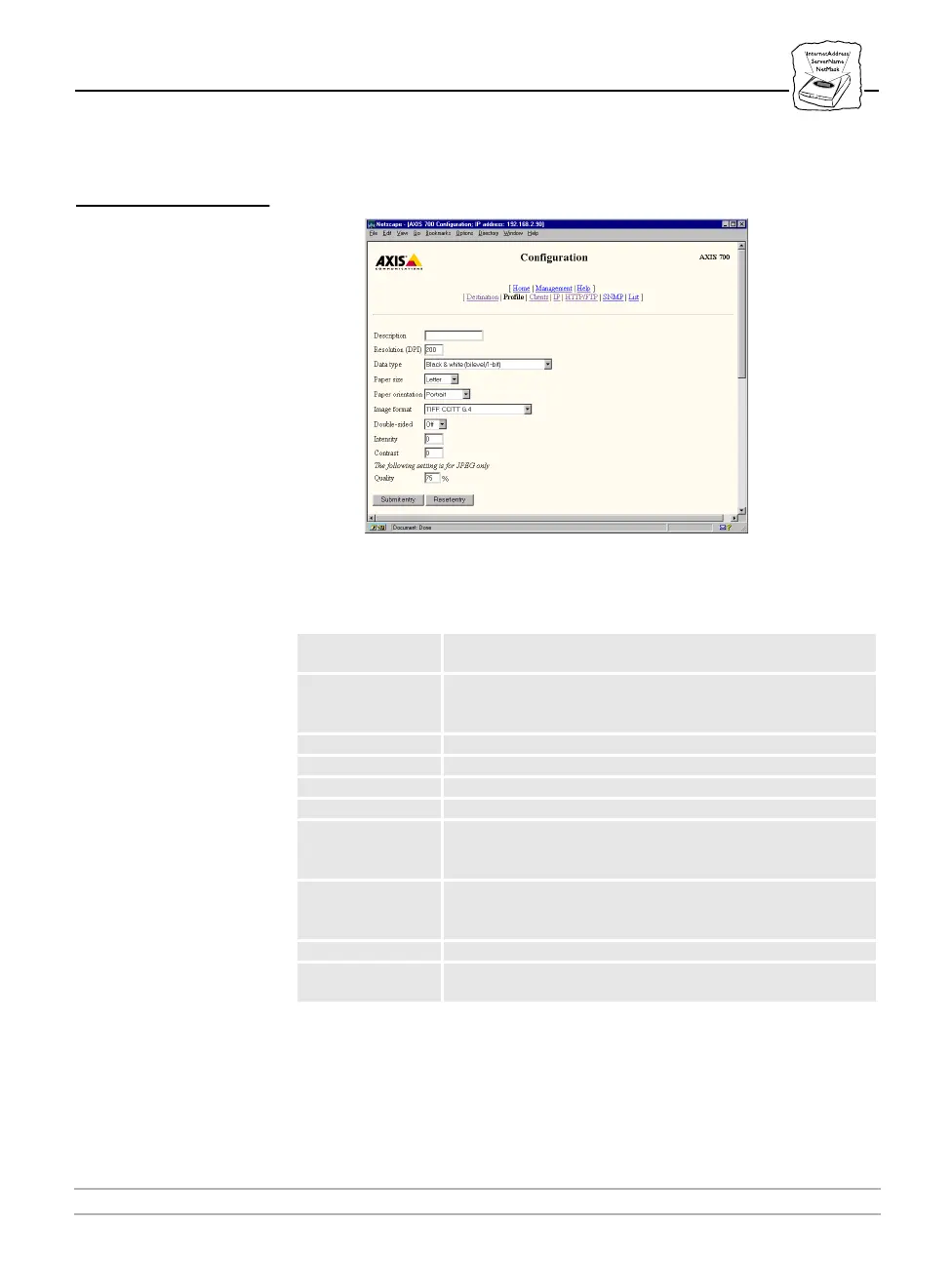
On the Profile page, you can add, edit, and remove scanning profiles.
The following is a description of the Profile parameters:
Caution
❏ Not all combinations are recommended. If you try to use a
combination that is not valid, the AXIS 700 will display an error
message.
Parameter name Description
Description
This is the name of the defined profile. Restricted to a
maximum of 16 characters.
Resolution
Selects the scanning resolution required. The maximum and
minimum scanning resolution is determined by the attached
scanner.
Data Type Type of scanning required, i.e. black/white, grayscale, or color.
Paper Size Used to select the appropriate paper size.
Paper Orientation Used to select Portrait (long) or Landscape (wide) orientation.
Image Format Used to select the appropriate image format.
Double-sided
Used to control single-sided or double-sided scanning. If set to
“ON”, both sides of the page will be scanned simultaneously,
if this is supported by the attached scanner.
Quality
Use this option to set the quality level of the scanned image.
Lower the percentage to decrease detail, increase the
percentage to increase detail. Applies only to JPEG format.
Intensity Controls the brightness of the scanned image.
Contrast
Controls the levels of difference between lightness and
darkness in the scanned image.



 To Next Page