Section 3: Configuring the AXIS 700
32 AXIS 700 User’s Manual
Clients
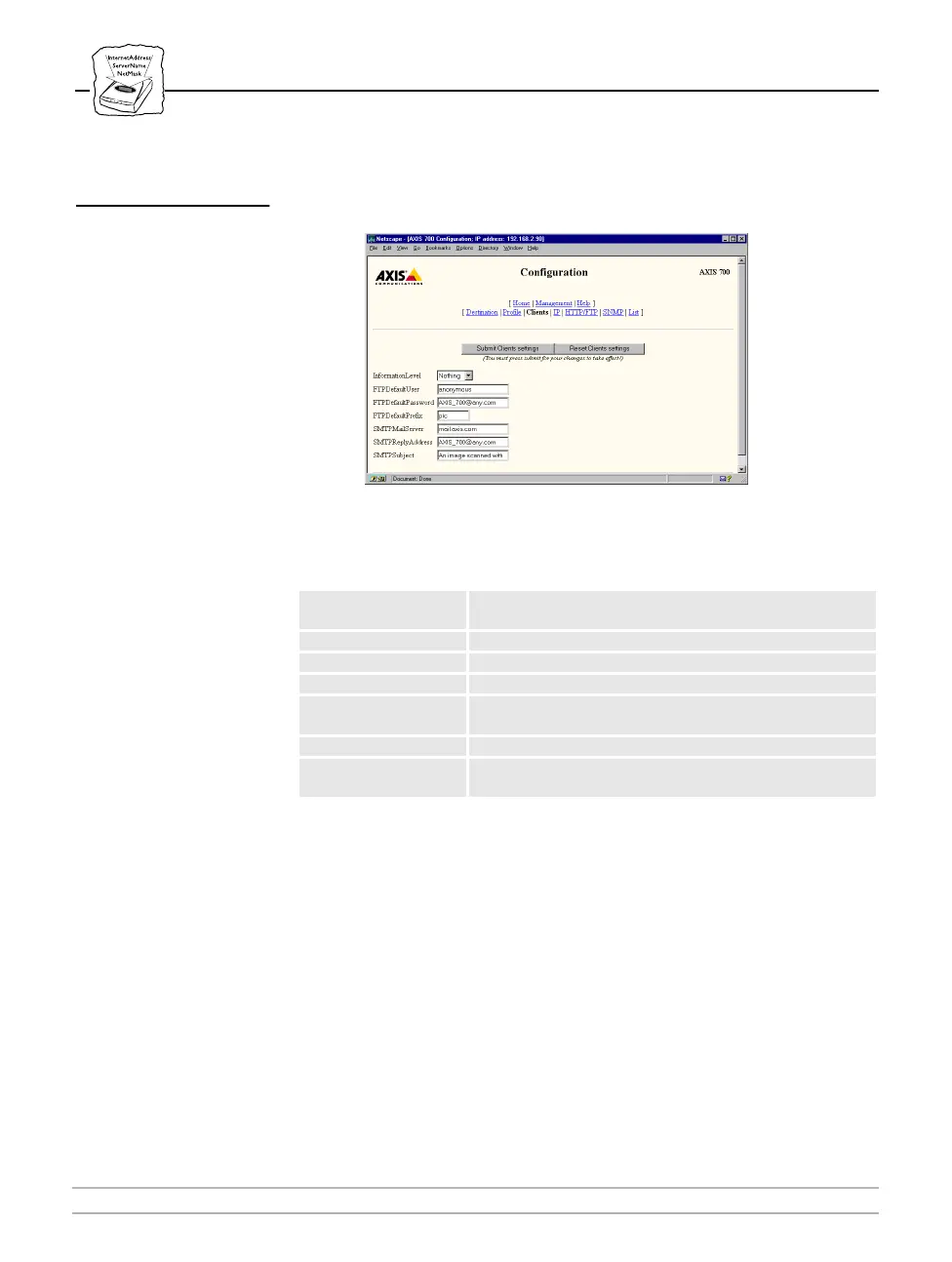
On the Clients page, you can set up or change the client information
for FTP and SMTP.
The following is a description of the Clients parameters:
Parameter name Description
InformationLevel
Used to select the appropriate level of information to be
transmitted with the scanned image.
FTPDefaultUser If not set for a destination, this user will be used.
FTPDefaultPassword If not set for a destination, this password will be used.
FTPDefaultPrefix If not set for a destination, this file prefix will be used.
SMTPMailServer
Name of the server that provides your e-mail facilities. Only
one mail server is used for each AXIS 700.
SMTPReplyAddress The reply address for e-mails sent by the AXIS 700.
SMTPSubject
This is the text that will be placed on the subject line of the
e-mail containing the scanned image.



 To Next Page