Section 3: Configuring the AXIS 700
AXIS 700 User’s Manual 33
IP
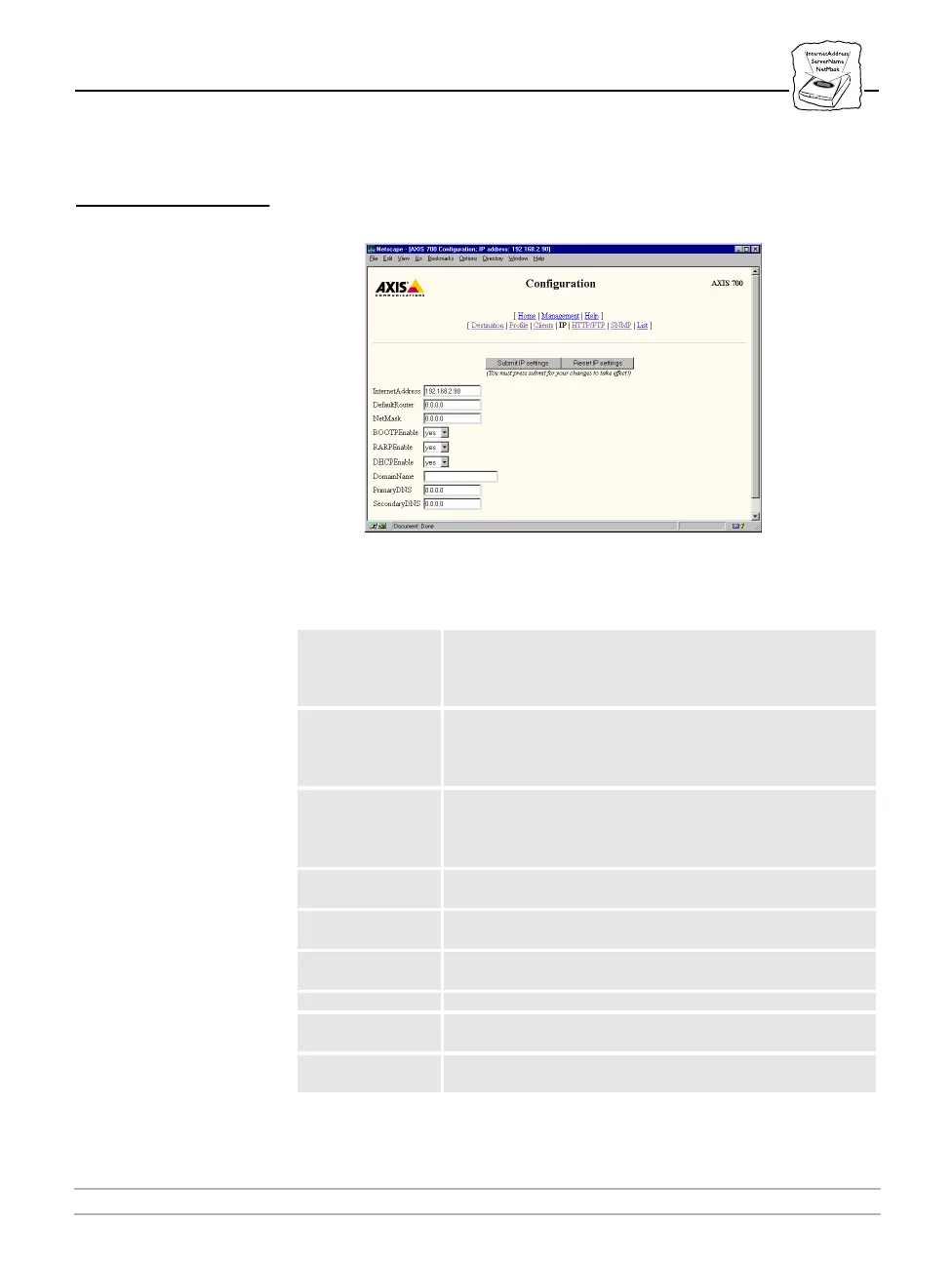
On the Configuration IP page, you can confirm or change the
Internet address and other IP settings.
The following is a description of the IP parameters:
Parameter name Description
InternetAddress
The Internet address for the AXIS 700. It is provided by the
Network Administrator and must be a unique address to
prevent conflicts with other network devices. The default value
is
0.0.0.0
DefaultRouter
The Internet address for the default router. All traffic directed
outside the local network (according to the Subnet mask) is
sent to the default router. The default value is
0.0.0.0,
which
indicates that no default router is set.
NetMask
The subnet mask which is used to determine whether traffic is
to stay within the network, or be routed elsewhere. The default
value is
0.0.0.0,
which indicates that automatic router sensing
is used.
BOOTPEnable
Enables BOOTP (if used on the network), for setting the AXIS
700’s Internet address.
RARPEnable
Enables RARP (if used on the network), for setting the AXIS
700’s Internet address.
DHCPEnable
Enables DHCP (if used on the network) for setting the AXIS
700’s Internet address.
DomainName Indicates to which network domain the AXIS 700 belongs.
PrimaryDNS
The primary DNS server. Used for setting up of destinations
with names instead of Internet addresses.
SecondaryDNS
The secondary DNS server. Used if the primary server is not
available.



 To Next Page