Section 3: Configuring the AXIS 700
34 AXIS 700 User’s Manual
Notes:
❏ You need to restart the AXIS 700 for the new IP settings to take
effect. To do that, select Restart on the Management page.
❏ The Internet address can also be changed from the AXIS 700 user
interface, see “Using the User Interface” on page 21.
HTTP/FTP
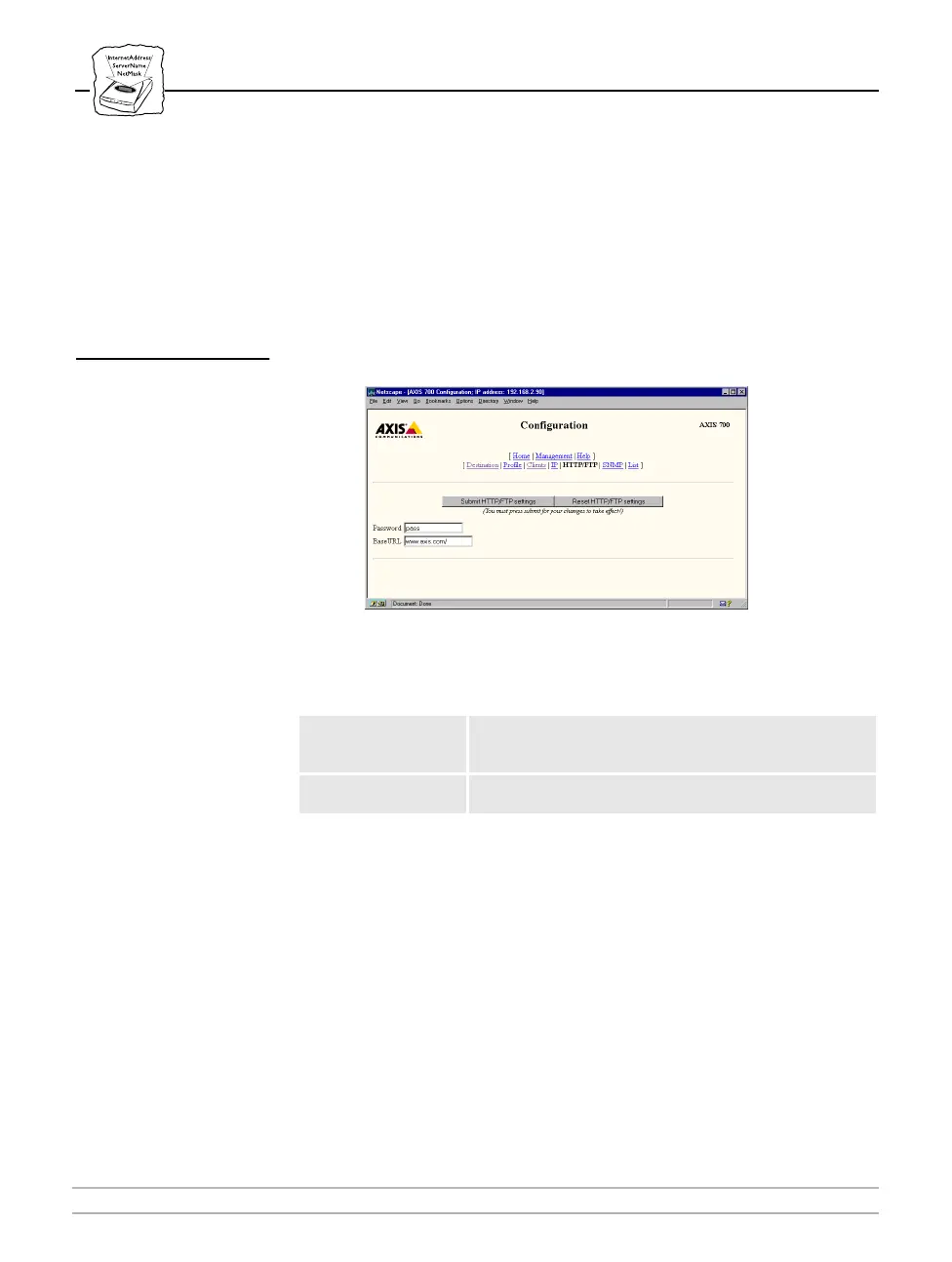
On the Configuration HTTP/FTP page, you can set a password and a
Base URL for the Web browser.
The following is a description of the HTTP/FTP parameters:
Notes:
❏ The password facility allows authorized personnel only, such as
the Network Administrator, to make changes to the AXIS 700
settings. Users will then have access to the AXIS 700 Home Page
only, i.e. the scan-to-Web browser page.
Parameter name Description
Password
Enter a password if you wish to restrict access to changing
the configuration.
root
is always used as the user name
when asked to login.
BaseURL
The local URL reference for the AXIS 700 support
information.



 To Next Page