Section 3: Configuring the AXIS 700
AXIS 700 User’s Manual 35
SNMP
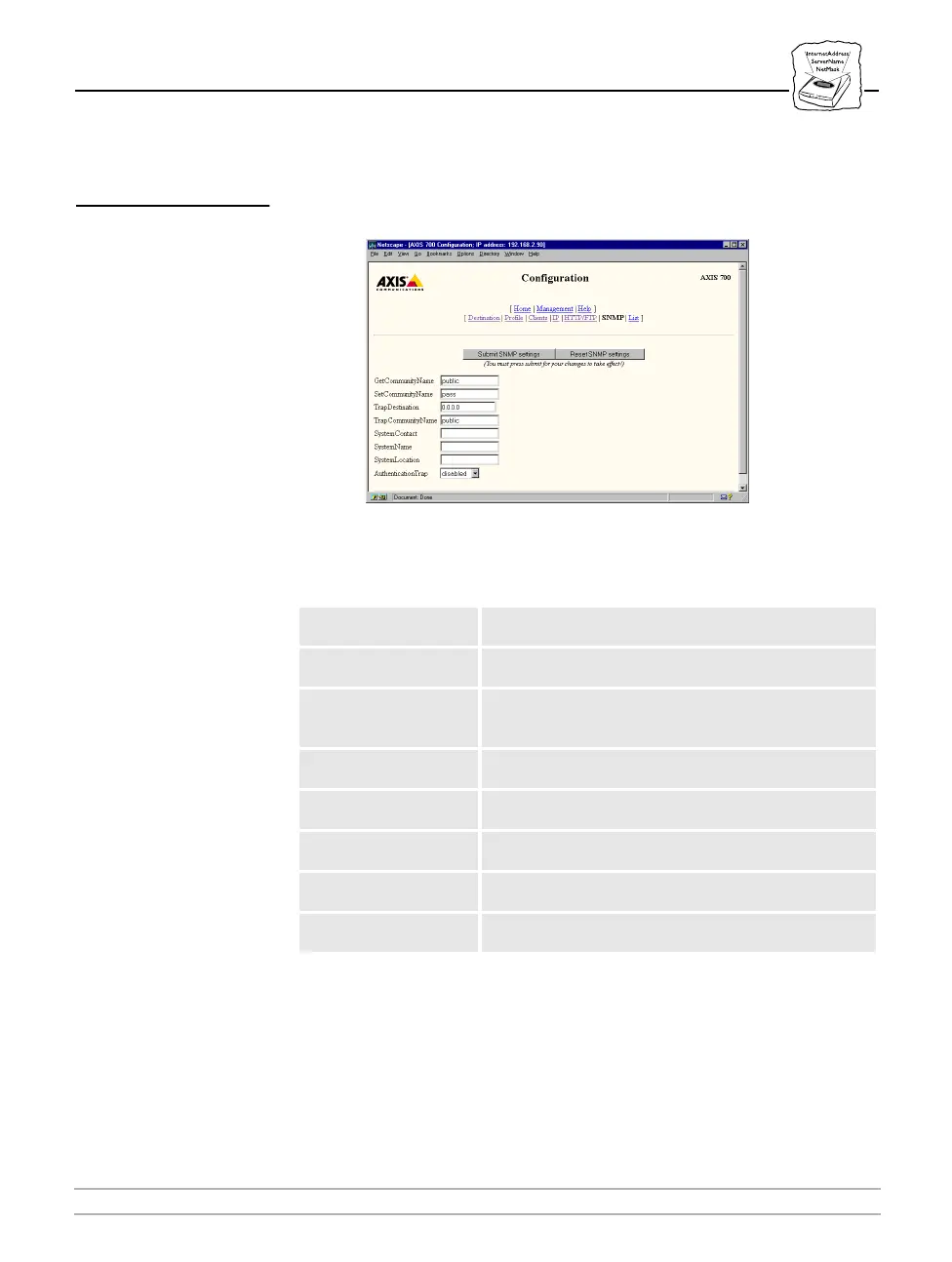
On the Configuration SNMP page, you can set up the network
management protocols.
The following is a description of the SNMP parameters:
Parameter name Description
GetCommunityName
Specifies the community that has read-only access to all
supported SNMP objects. The default value is
‘public’.
SetCommunityName
Specifies the community that has read-write access to all
supported SNMP objects. The default value is
‘pass’
.
TrapDestination
Specifies the Internet address which SNMP traps are
set. The default value is
0.0.0.0 which means that
all
SNMP traps are disabled.
TrapCommunityName
Specifies the community for all generated SNMP traps.
The default value is
‘public’
.
SystemContact
Optional plain text entry for the name of the systems
contact person. The default value is
‘blank’
.
SystemName
Optional plain text entry for the name of the system. The
default value is
‘blank’
.
SystemLocation
Optional plain text entry for the location of the system.
The default value is
‘blank’
.
AuthenticationTrap
Enables or disables the SNMP authentication failure
traps. The default value is
‘disabled’
.



 To Next Page