Section 2: Basic Installation
16 AXIS 700 User’s Manual
Set the Internet address according to the description in “Using the User
Interface” on page 21.
The AXIS 700 will then search for and display the product name of
the attached scanner.
When the Status indicator stops flashing and remains off, the AXIS
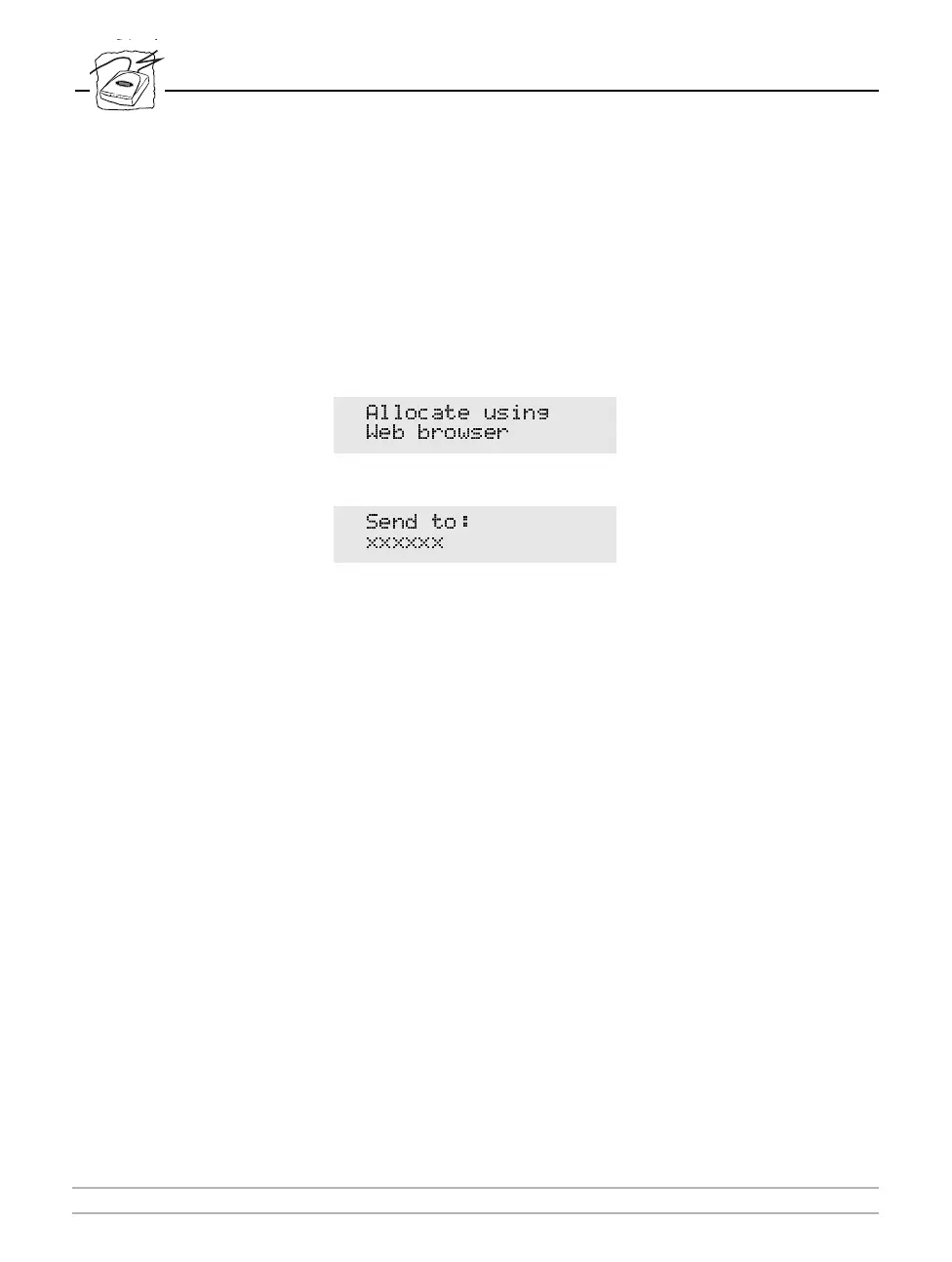
700 is ready for use. If no destinations have been set, the AXIS 700
LCD will display:
Otherwise, the AXIS 700 LCD will display:
where “
xxxxxx
” is a destination that has been setup on the
Configuration Destination page from the Web browser. See
“Destination ’ on page 30.
$OORFDWH XVLQJ
:HE EURZVHU
6HQG WR
[[[[[[



 To Next Page