Section 2: Basic Installation
AXIS 700 User’s Manual 15
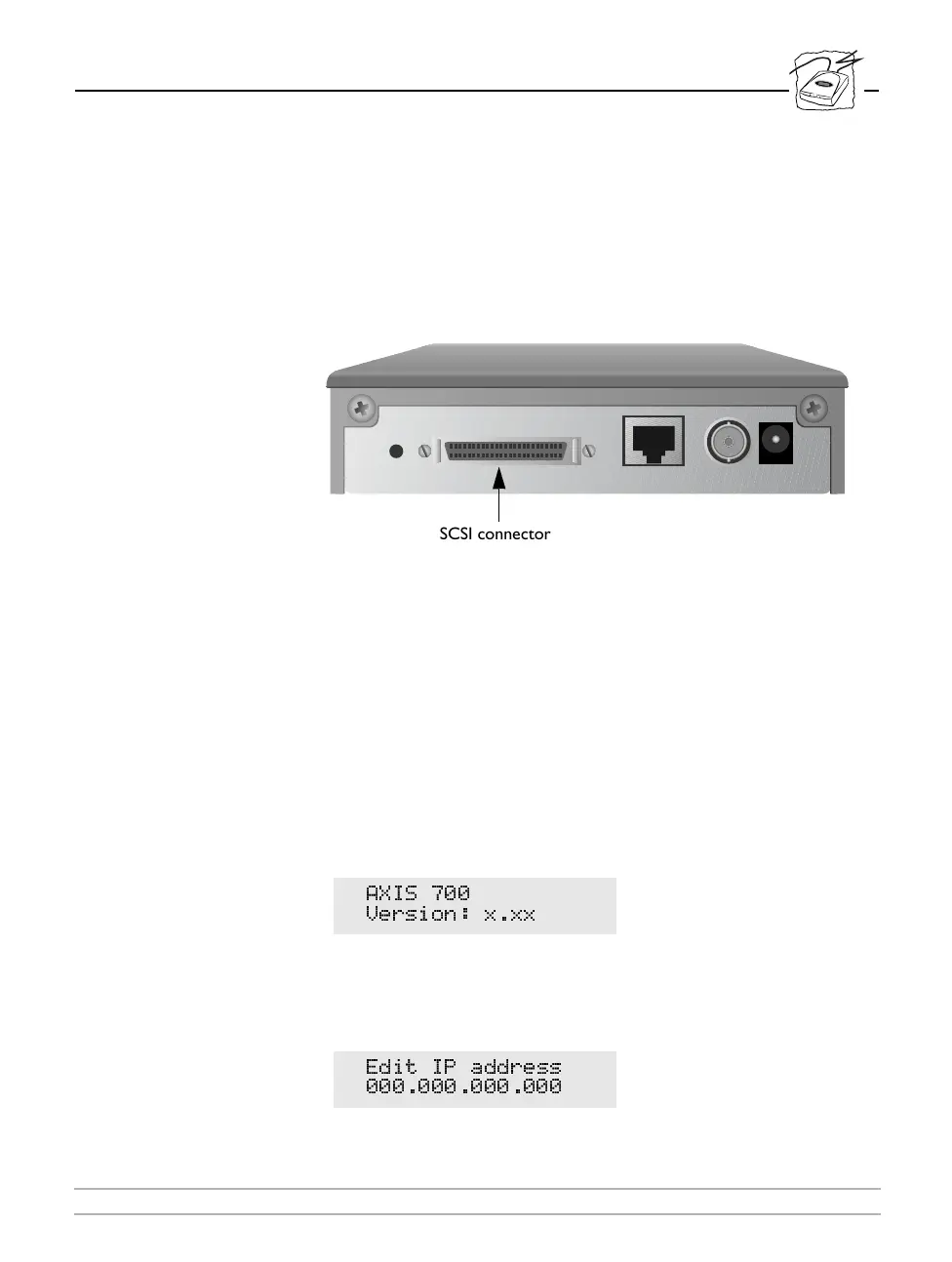
To connect the AXIS 700 to your scanner, follow these steps:
1. Record the serial number of the AXIS 700. You will need this
number during the network configuration described in “Basic
Setup for TCP/IP” on page 18. The number is found on the
underside label of the server.
2. Connect the SCSI cable to the SCSI connector on the AXIS 700.
3. Connect the SCSI cable to the scanner.
4. The scanner must have the SCSI terminated. See the scanner
documentation.
5. Power up the scanner.
6. Power up the AXIS 700 by connecting the external power supply to
the AXIS 700.
The AXIS 700 LED indicators will flash during power up and self test.
During the self test, the AXIS 700 LCD will display:
where
x.xx
is the software version number.
If the Internet address has not yet been set, the AXIS 700 will prompt
you to set it:
$;,6
9HUVLRQ [[[
(GLW ,3 DGGUHVV
SCSI connector



 To Next Page