24
Balance
Press / button to select Balance,then press OK button to enter sub-menu. Press /
button to adjust.
Surround Sound
Press / button to select Surround Sound ,then press / button to select On or
O
.
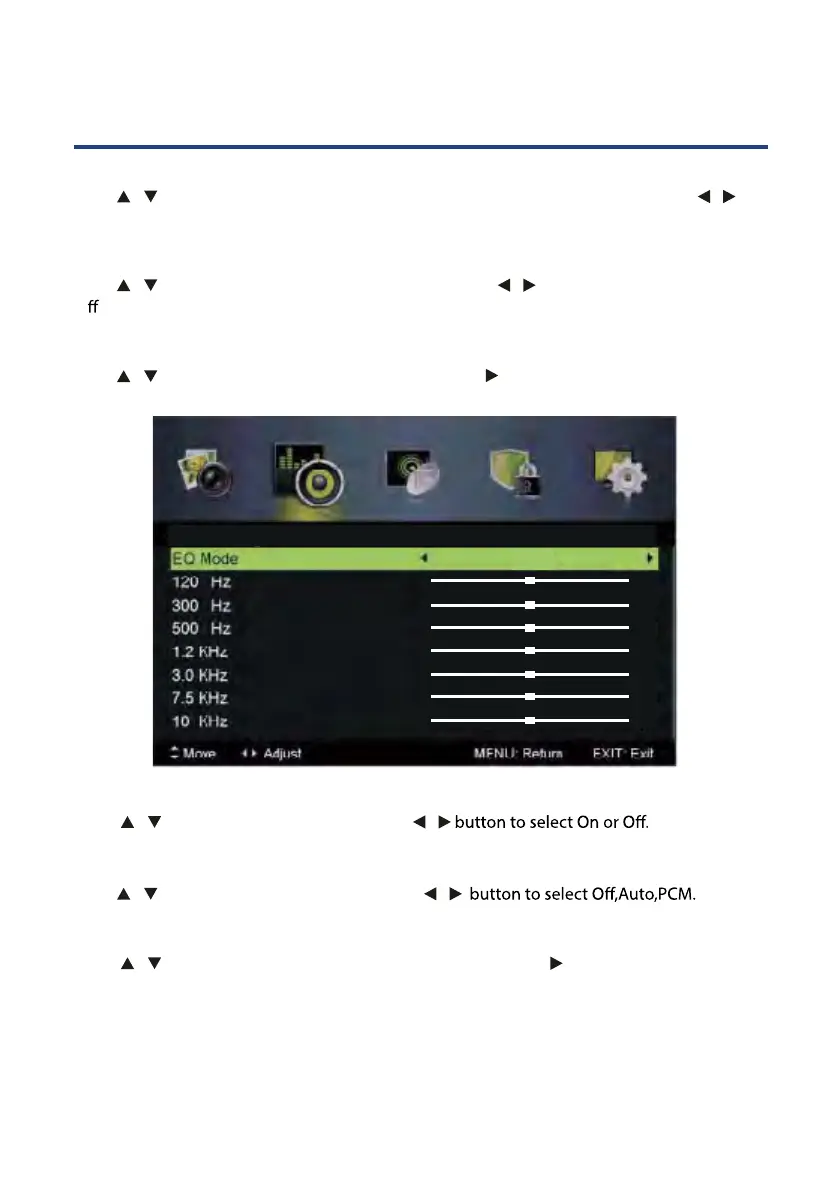
EQ Setting
Press / button to select EQ Setting, then press OK / button to enter submenu.
AVL
Press / button to select AVL ,then press /
SPDIF
Press / button to select SPDIF ,then press /
Audio Description
Press / button to select Audio Description, then press OK / button to enter
submenu.
EQ Setting
0
0
0
0
0
0
0
Off



 To Next Page