32
Parental Rating
Press / button to select Parental Rating , then press / button to select.
Lock Keypad
Set to prevent it from being used by young children, or other unexpected usage.
Press / button to select Lock Keypad , then press / button to select On or O..
33
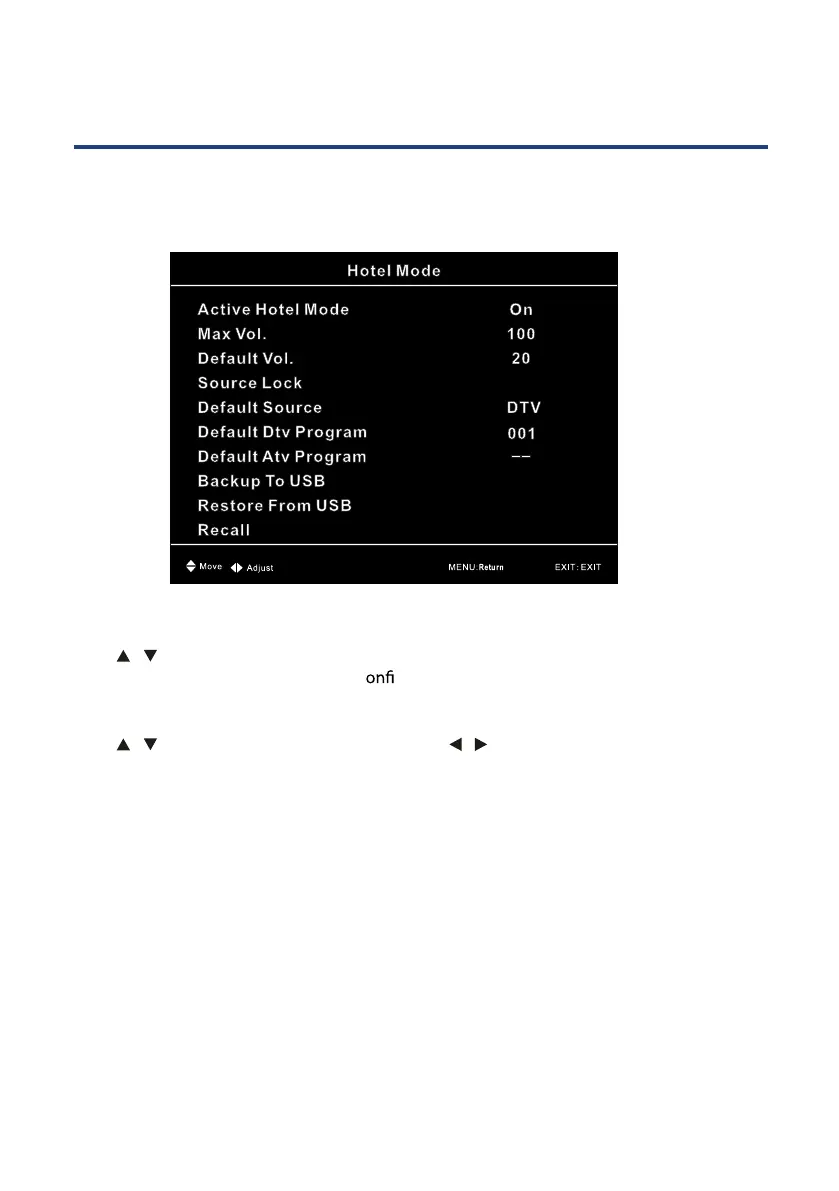
Hotel Mode
Press MENU + 1229 to enter the Hotel Mode Menu,this menu allows you to adjust the setting
of the Hotel Mode.
New Password
Press / button to select New Password, then enter a 4 digit number you want to set as
password. Repeat 4 digital number to c
rm new password.
Clear Lock
Press / button to select Clear Lock, then press / button to select.



 To Next Page