36
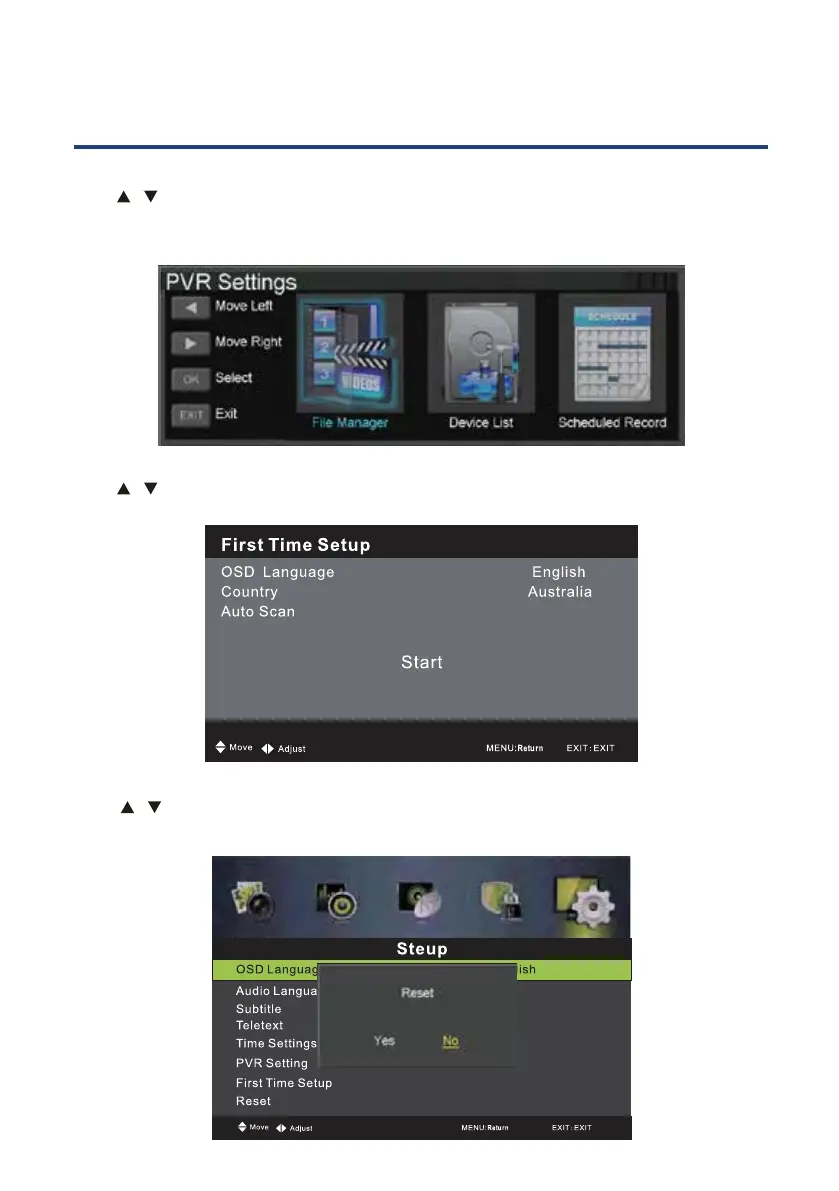
PVR Setting
Press / button to select PVR S
Or press the INDEX button on the remove control to enter the PVR Setting menu directly.
ETTING, then press OK button to enter submenu. It will
check the USB.
First Time Setup
Press / button to select First Time Setup, then press OK button to enter. (Default
Password is 0000).
Reset
Press / button to select Reset, then press OK button to enter.
Select “Yes” if you are sure to reset.
PVR and Timeshift Operation
DTV+ATV



 To Next Page