38
Timeshift
Using Timeshift function you will be able to pause a live broadcast and move backwards and
forwards in the TV transmission.
To start the Timeshift function press TIMESHIFT button on the remote control. The image will
the quality of the broadcasting and the free space on the USB device.
Press PLAY button to start viewing the programme from the point it was paused, and use the
remote keys assigned to playback mode to perform playing functions as fast forward, rewind,
pause, etc.
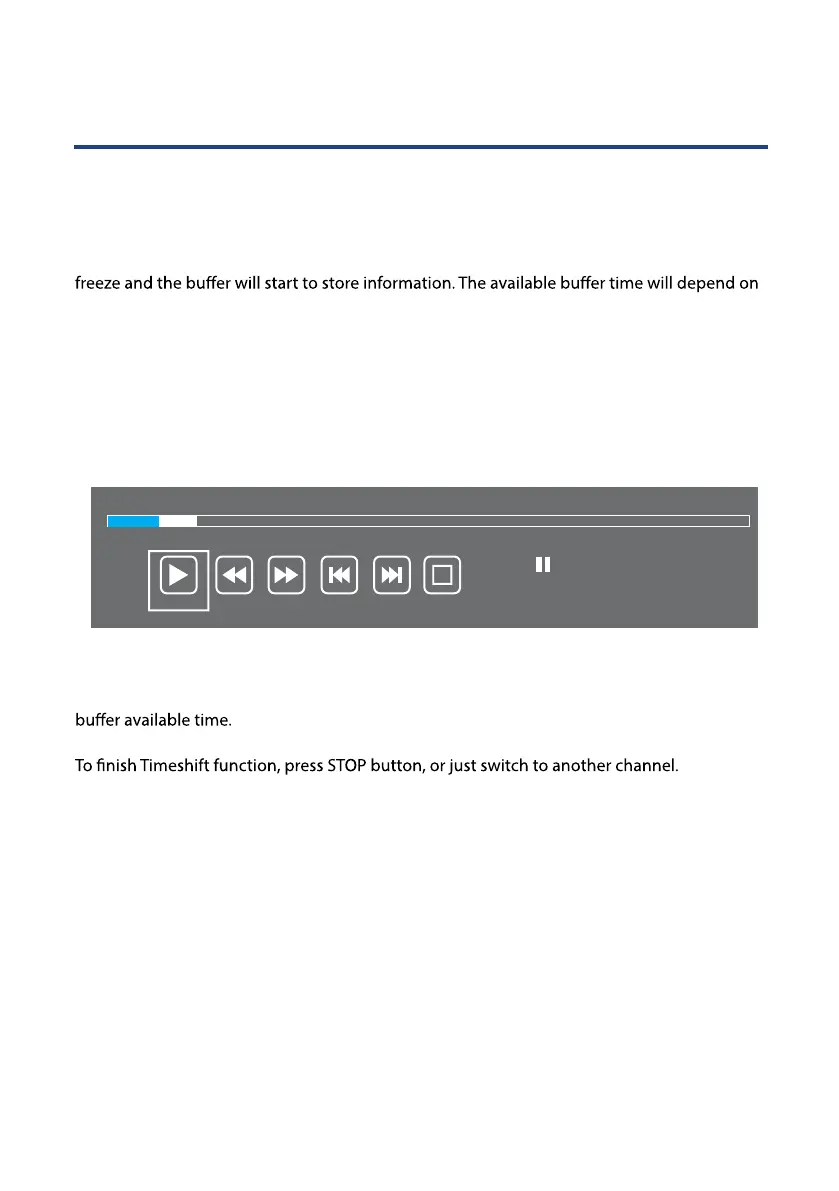
When watching a TV program in Timeshift mode, the following information will be displayed
on the screen:
The progress bar, on top of the information window, shows in blue color the elapsed time,
and in white color the remaining program time stored. At the right side of the progress bar it
is displayed the current playing time, and the total time stored. Below is displayed the total
00:03:46
Play
FB FF Prev. Next Stop
Available Time
00:55:27 / 01:00:35
00:06:48



 To Next Page