48
DVD Function
System setup page
- Press the DVD SETUP key and then press to display the general setup page when in
DVD mode.
- Press the key to move the highlight to select following option.
- Press the OK key to go into the following menu and then press the key to select a
menu item.
Wide
49
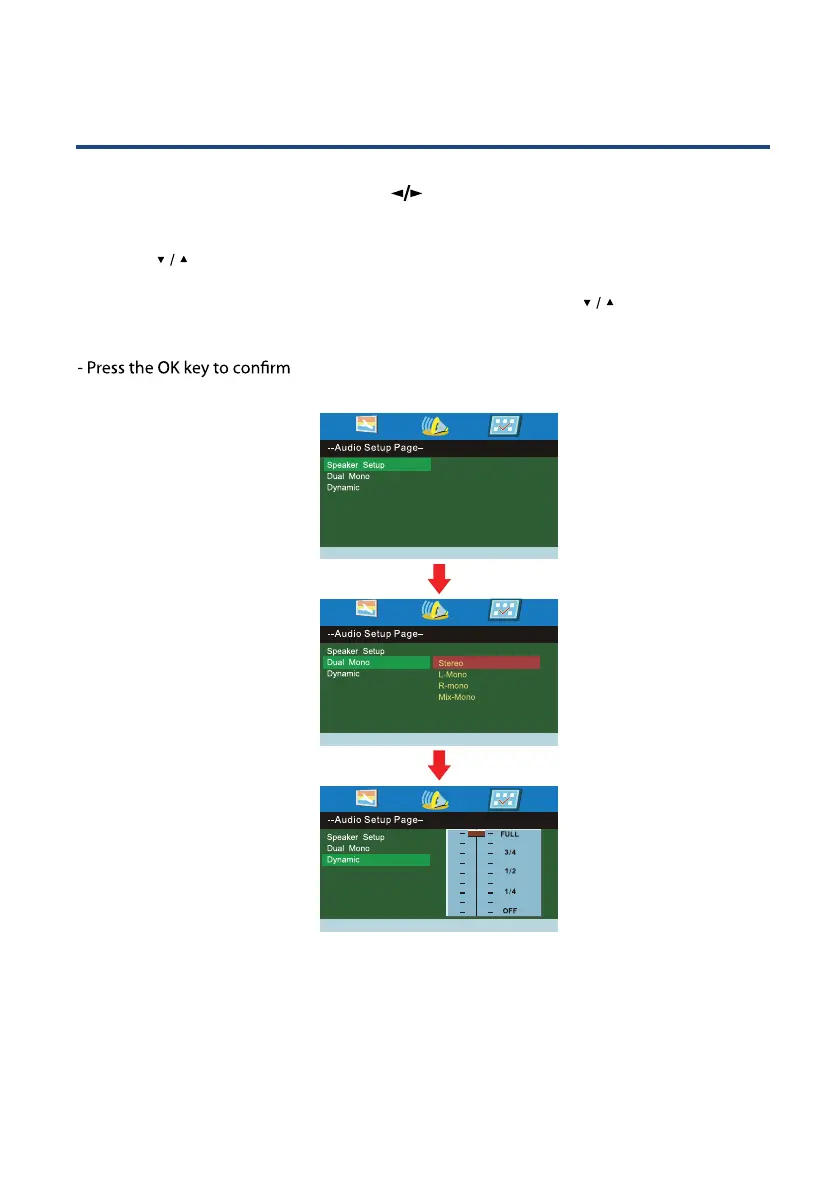
Audio Setup Page
- Press the DVD SETUP key and then press
to display the audio setup page when in
DVD mode.
- Press the
key to move the highlight to select following option.
- Press the OK key to go into the following menu and then press the
key to select a
menu item.



 To Next Page