40
Playlist
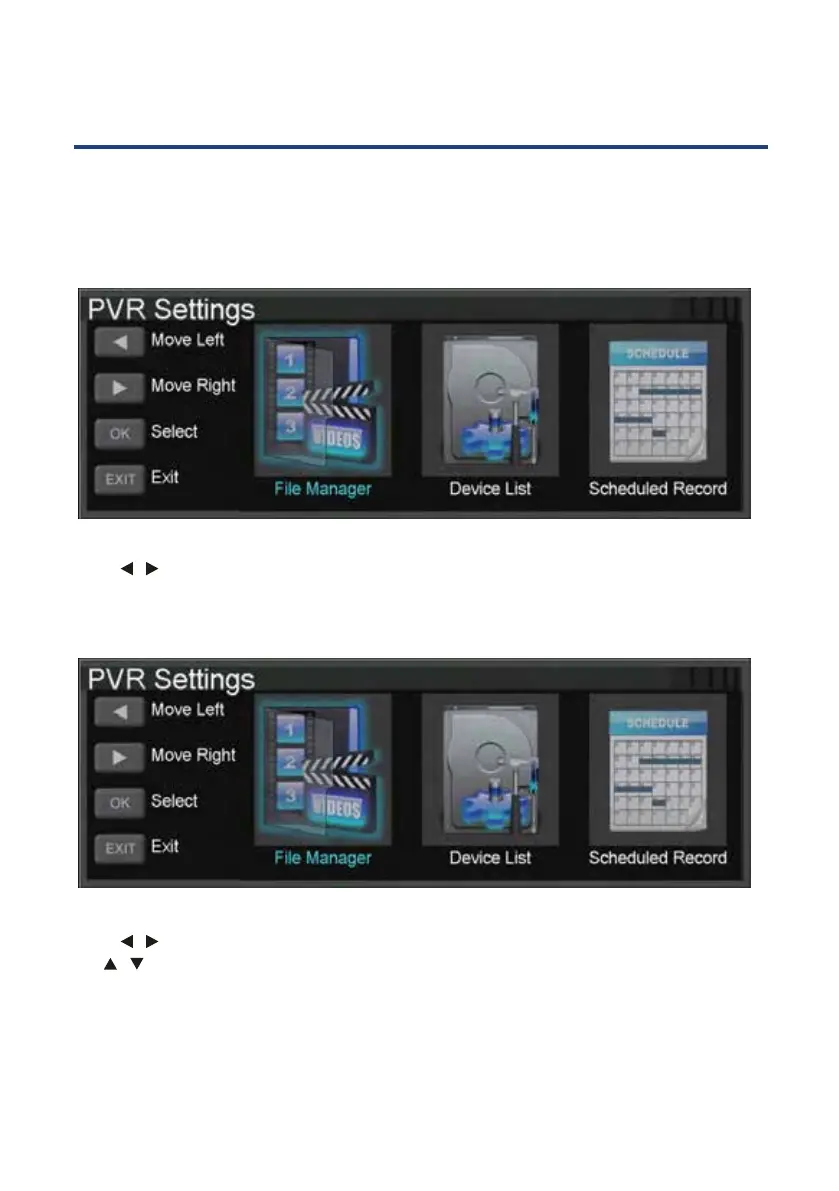
Press MENU button to access the PVR SETTINGS menu under the SETUP submenu,from this
menu
NOTE: Press INDEX button on the remove control to enter the PVR SETTINGS menu directly.
you may play the recorded TV programs, as well as access the scheduled recordings
list.
Press
/ buttons to choose the File Manager and press OK and press to access. Follow the
on-screen instructions to play the TV programs stored. Press the MENU button to return to
the previous window, or press the EXIT button to leave the interface.
Press
/ buttons to choose the Scheduled Record and press OK and press to access. Use
the
/ buttons to choose a group and follow the on-screen instructions to schedule a
recording. Press the MENU button to return to the previous window, or press the EXIT button
to leave the interface.



 To Next Page