26
Channel Menu
Press MENU button to display the main menu.
Press /
1. Press / button to select the option that you want to adjust in the CHANNEL menu.
2. Press / button to adjust.
3.
Auto Scan
Press / button to select Auto Scan, then press OK / button to enter submenu. (The
default password is 0000)
Australia
OK:Select
27
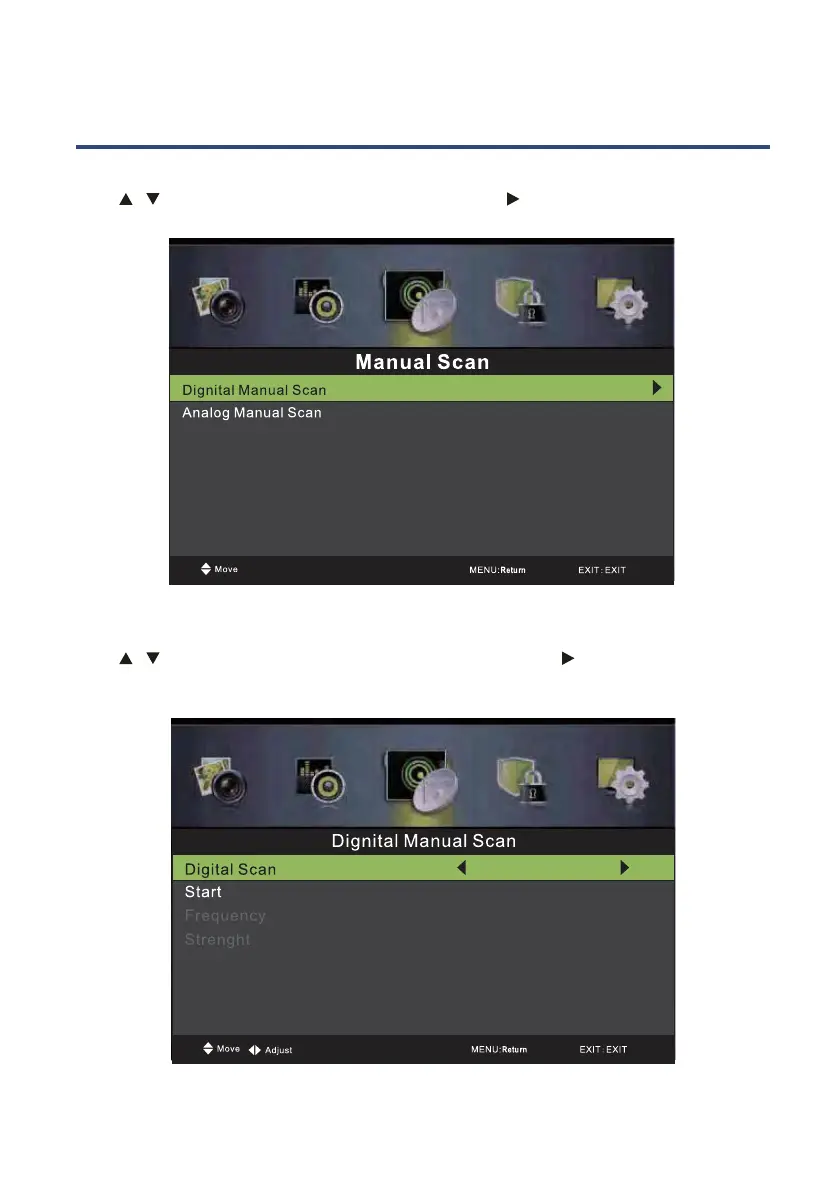
Manual Scan
Press / button to select Manual Scan, then press OK/ button to enter submenu.
Digital Manual Scan
Press / button to select Digital Manual Scan, then press OK / button to enter
submenu.
CH 5
104.50 Mhz
OK:Select
100



 To Next Page