28
Analog Manual Scan
Press / button to select Analog Manual Scan, then press OK / button to enter
submenu.
29
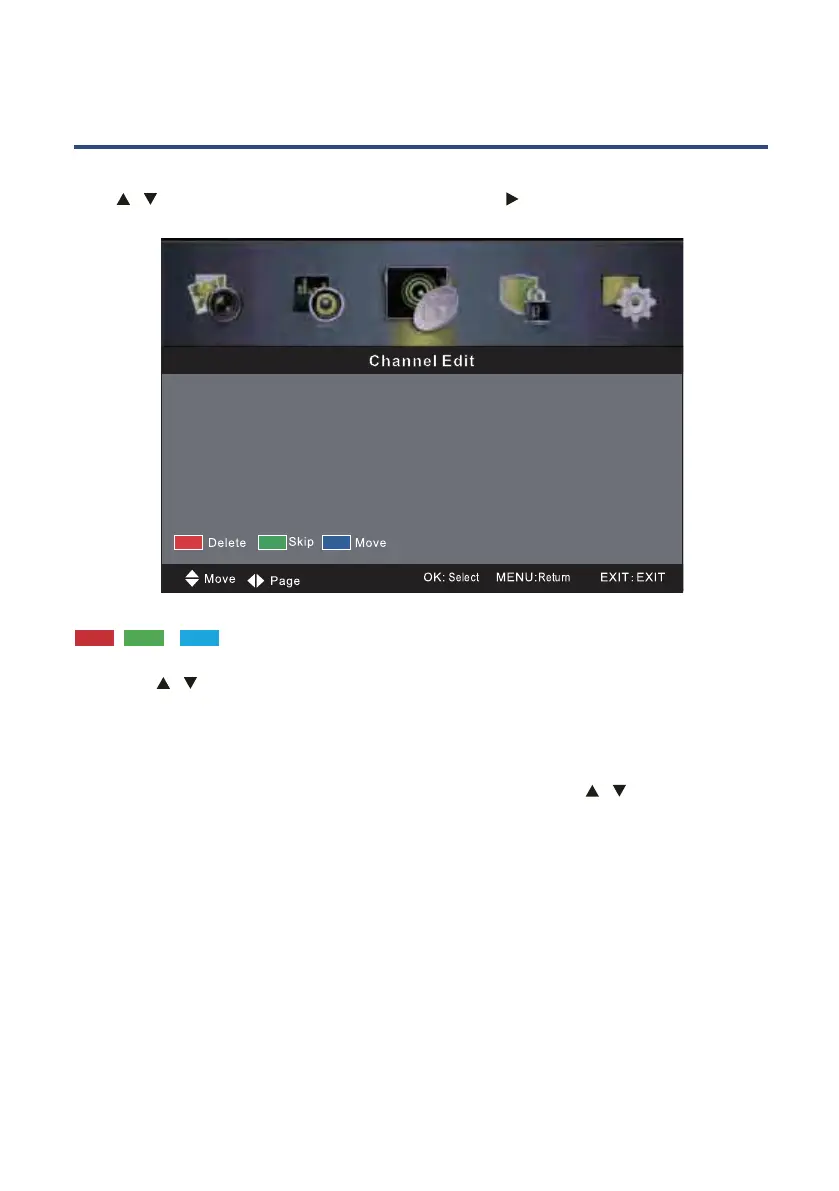
Channel Edit
Press / button to select Channel Edit, then press OK / button to enter submenu.
The three colored key is the shortcut key for programming the channel.
First press
/ to highlight the channel you want to delete or move or skip, then:
Press the Red button to delete the channel.
Press the Green button to skip the select channel.
(Your TV set will skip the channel automatically when using CH+/- to view the channels.)
Press the Blue button to set the channel to moving state, then press
/ to move it to the
position you want to put.



 To Next Page