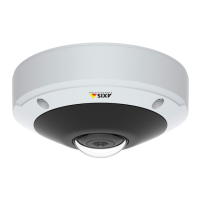
AXIS M3045-V Network Camera
Video
The Privacy Mask List (Video > Privacy Mask) shows all the masks that are currently congured in the Axis product and indicates
if they are enabled.
You can add a new mask, re-size the mask with the mouse, choose a color for the mask, and give the mask a name.
For more information, see the online help
Important
Adding many privacy masks may affect the product’s performance.
Note
To view privacy masks in video over HDMI the video stream must be restarted every time the Axis product is restarted. This
can be done for example, by selecting a video stream from the Stream Prole drop down list in the top left hand corner
in the product’s Live View page.
23



 To Next Page