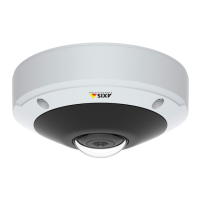
AXIS M3045-V Network Camera
Configure the Live View Page
User Dened Links
To display user-dened links in the Live View page, select the Show custom link option, give the link a name and then enter the URL
to link to. When dening a web link do not remove the 'http://' from the URL address. Custom links can be used to run scripts or
activate external devices connected to the product, or they can link to a web page. Custom links dened as cgi links will run the
script in the background, in a hidden frame. Dening the link as a web link will open the link in a new window.
25



 To Next Page