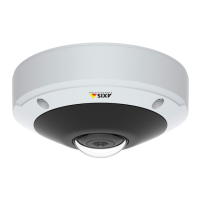
AXIS M3045-V Network Camera
AXIS Video Motion Detection
1. Insert an SD card in the Axis product, or go to Setup > System Options > Storage in the Axis product’s webpages and
congure the product to use a network share.
2. Optionally, go to Setup > Video > Stream Proles and create a stream prole to use for recording.
3. Go to Setup > Events > Action Rules and click Add to create a new action rule.
4. From the Trigger drop-down list, select Applications and then select VMD 3DigitalAutoTracking.
5. Congure other settings as required. For example, to only record video during certain time periods, select a Schedule.
6. Under Actions, select Record Video from the Type drop-down list.
7. To record the view area used for autotracking, select the view area called Digital Autotracking View.
8. Select the stream prole and storage device to use and congure the pre- and post-trigger times.
9. Make sure that the rule is enabled and then click OK.
Note
To appear in the Trigger list, the application must be started and its status must be Idle or Running.
38



 To Next Page