AXIS Q6034 PTZ Dome Network Camera
Live View Config
Live View Config
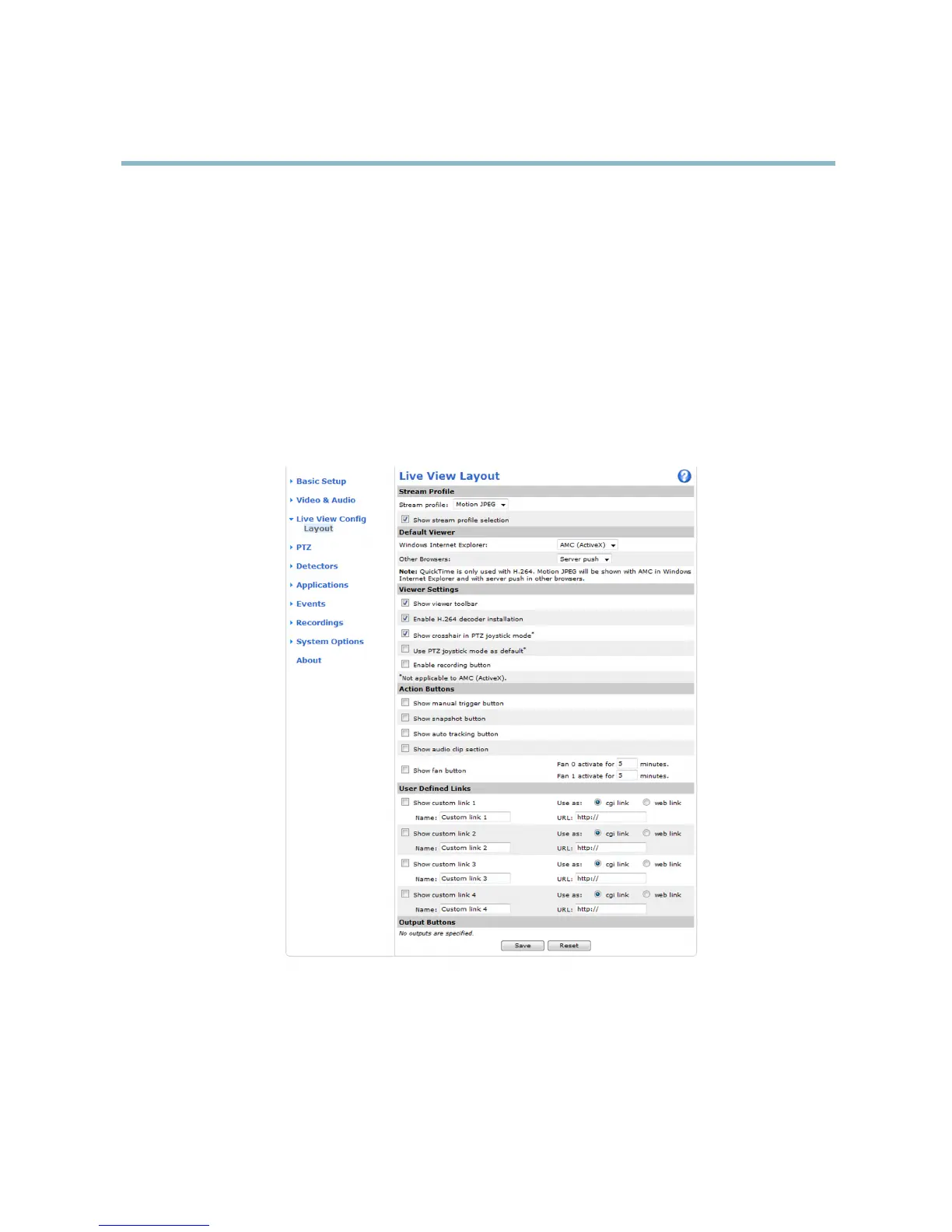
You c an customize the Live View page and alter it to suit your requirements. It is possible to define the following features of
theLiveViewpage.
•StreamProfile. See
page 18
.
• Default Viewer for Browser. See
page 24
.
• V iewer Settings. See
page 25
.
• Actio n Buttons. These are the buttons described in
Controls on the Live View Page, on page 10
.
•UserDefined Links. See
page 25
.
• O utput Buttons. See
page 25
.
Default Viewer f or Browsers
From Live View Config > Default Viewer select the defa u lt method for viewing video images in your browser. The product attempts
to show the video images in the selected video format and viewer. If this is not possible, the product overrides the settings and
selects
the best available combination.
24



 To Next Page