AXIS Q6035 PTZ Dome Network Camera
Events
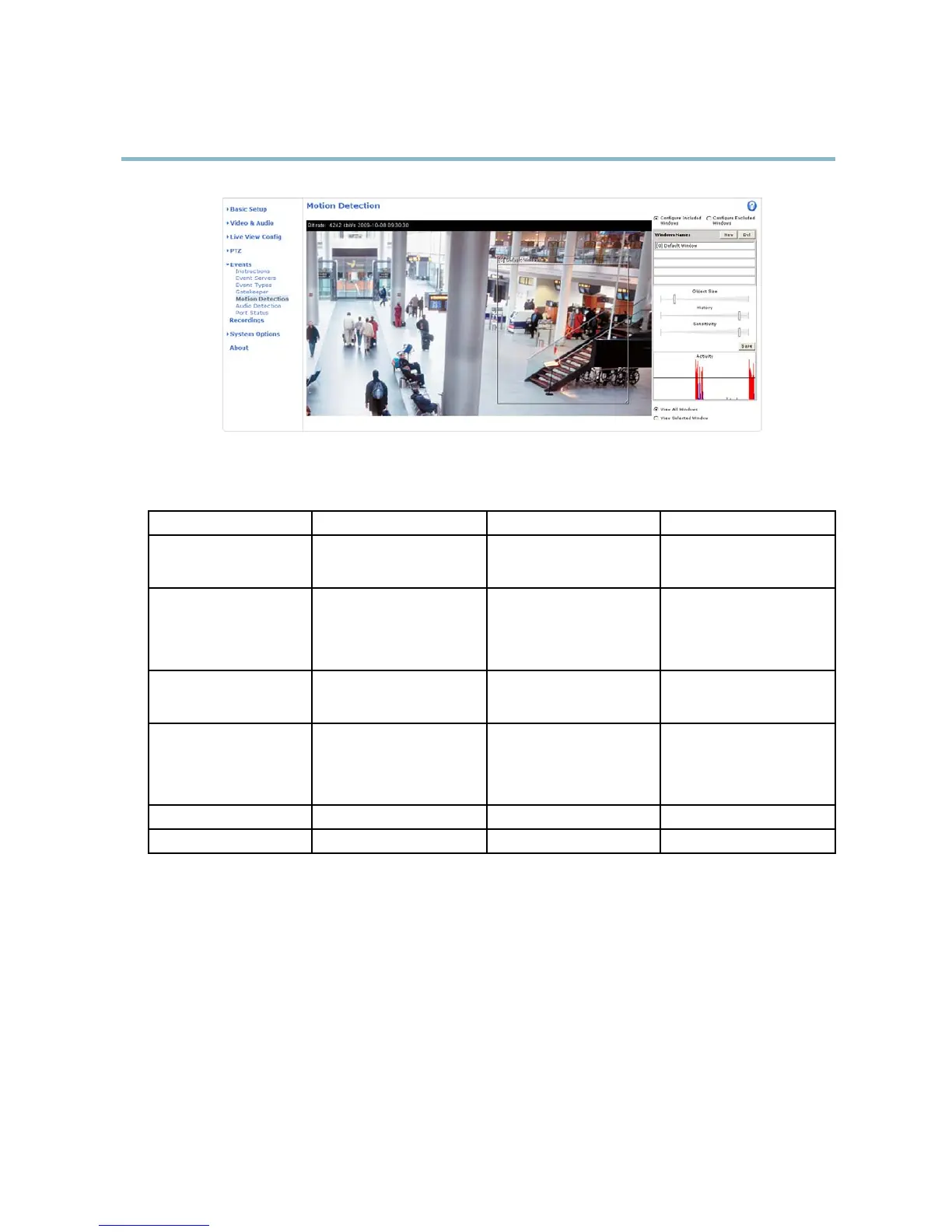
Motion detection parameters
The parameters controlling motion detection are described in the table below:
Parameter
Object Size
History
Sensitivity
Description
Object size r elative to window
size.
Object memory length.
Difference in luminance
between background and
object.
High level (100%)
Only very large objects trigger
motion detection.
An object that appears in
the window triggers motion
detection for a long time
before it is considered as
non-moving.
Ordinary colored objects on
ordinary backgrounds trigger
motion detectio n.
Medium level (50%)
A large difference in luminance
is required to trigger motion
detection.
Low level (0%)
Even very small objects trigger
motion detection.
An object that appears in
the window triggers motion
detection only for a v ery short
time before it is considered as
non-moving.
Only very bright objects on
a dark background trigger
motion detectio n.
Recommended values
5–15% 60–90% 75–95%
Default values
15% 90% 90%
Tips:
• To trigger on small objects or movements, use several small motion detection windows rather than one large window
and select a low object size.
• To avoid triggering on small objects, select a high object size.
• If no objects should appear in the Include Window, select a high history level. This will cause motion detection to trigger as
long as the obj ect is present in the window.
• To only detect flashing light, select a low sensitivity. In other cases high sensitivity is recommended.
34



 To Next Page