Pairing your racket to a mobile device:
Once the BABOLAT PLAY App is installed on your mobile device, you can pair your own
mobile to your BABOLAT PLAY account. This will allow you to sync your data and manage
your racket’s device settings:
1. First, go to your iPhone/android, and select settings. Then on the menu, press
Bluetooth.
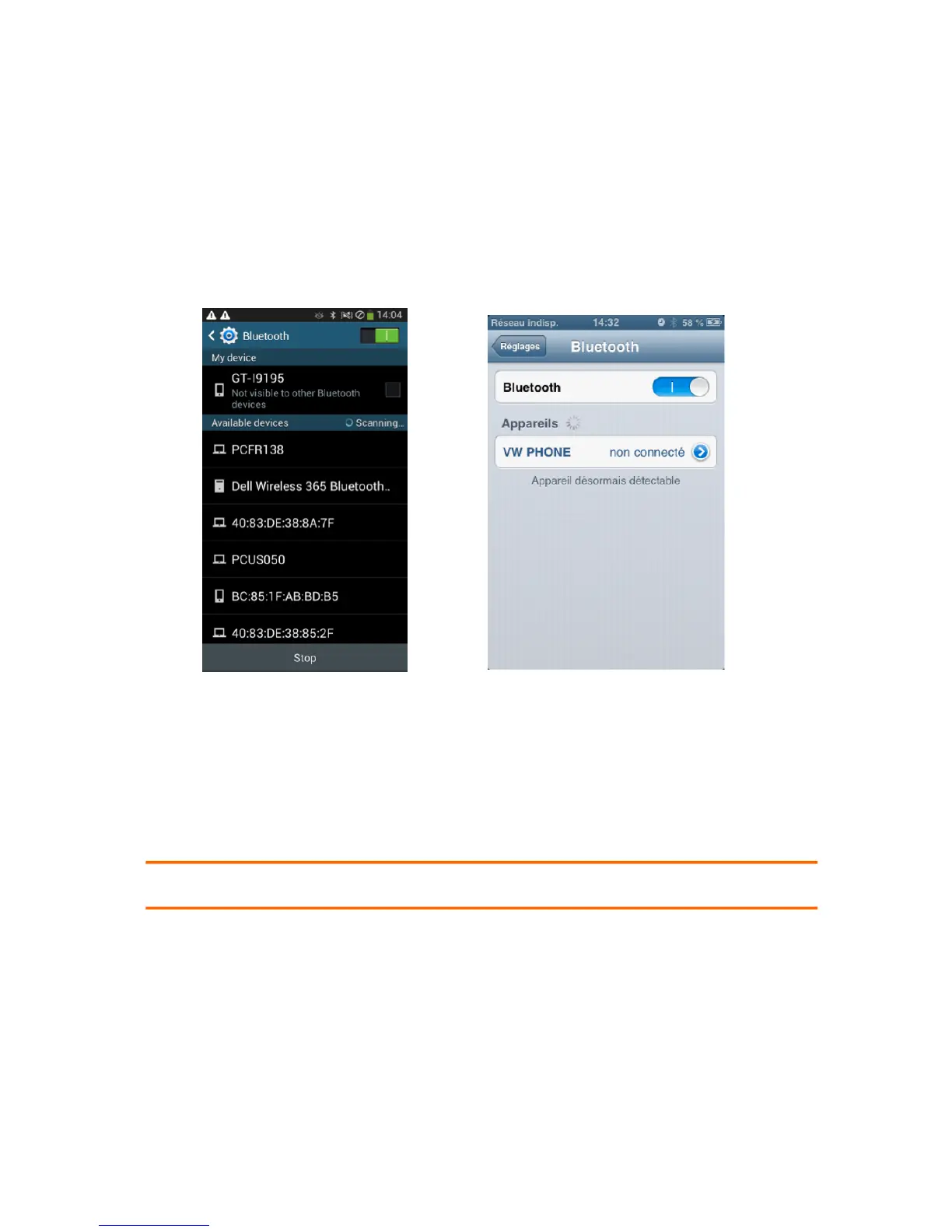
2. First make sure your Bluetooth is activated (figure 8). If it is not, slide the button to the
ON mode
Android iOS
Figure 8
3. Next, you will need to turn on the racket’s Bluetooth by pressing on the Bluetooth
button located on the butt cap of your racket. A purple light should be flashing when
the Bluetooth is turned on. Your racket is now in discovering mode. See figure 1 for
instructions if necessary.
4. Soon, the BABOLAT Play racket should appear in the list of Bluetooth devices. Select
it. The pairing will take place and the racket will show as paired.
NOTE: See www.babolatPlay.com/support for tutorial videos if you need more help.



 To Next Page